
 Need help?
Do you have a question about the CPR Guardian II and is the answer not in the manual?
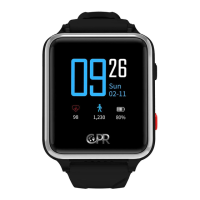
Overview of the CPR Guardian II watch, its features, and components, including buttons and ports.
Steps to manage your SIM card and select a plan through the online portal.
Recommendations for optimal battery performance and proper charging procedures.
Steps to add new contacts to the Guardian App for calling or messaging.
Guide on how to initiate a call to the CPR Guardian II watch from the app.
Instructions on how to check the wearer's heart rate using the Guardian App.
How to track the real-time location of the wearer using the Guardian App.
Guide to setting daily step count goals for the wearer via the Guardian App.
Instructions for adding a second CPR Guardian II watch to the mobile application.
Steps to remove or unpair a CPR Guardian II watch from the Guardian mobile app.
Steps to make a standard phone call using the watch's phonebook.
How to activate the SOS function by holding the dedicated button for emergencies.
Guide to sending voice messages from the watch using the voice chat feature.
Instructions on how to measure the wearer's heart rate directly on the watch.
Steps to customize the watch's appearance by changing the clock face.
Procedure for connecting the watch to a power source for charging.
Detailed explanation of the watch's various functions and how to use them.
Important safety precautions and details about the product's warranty coverage.

 To Next Page
 General