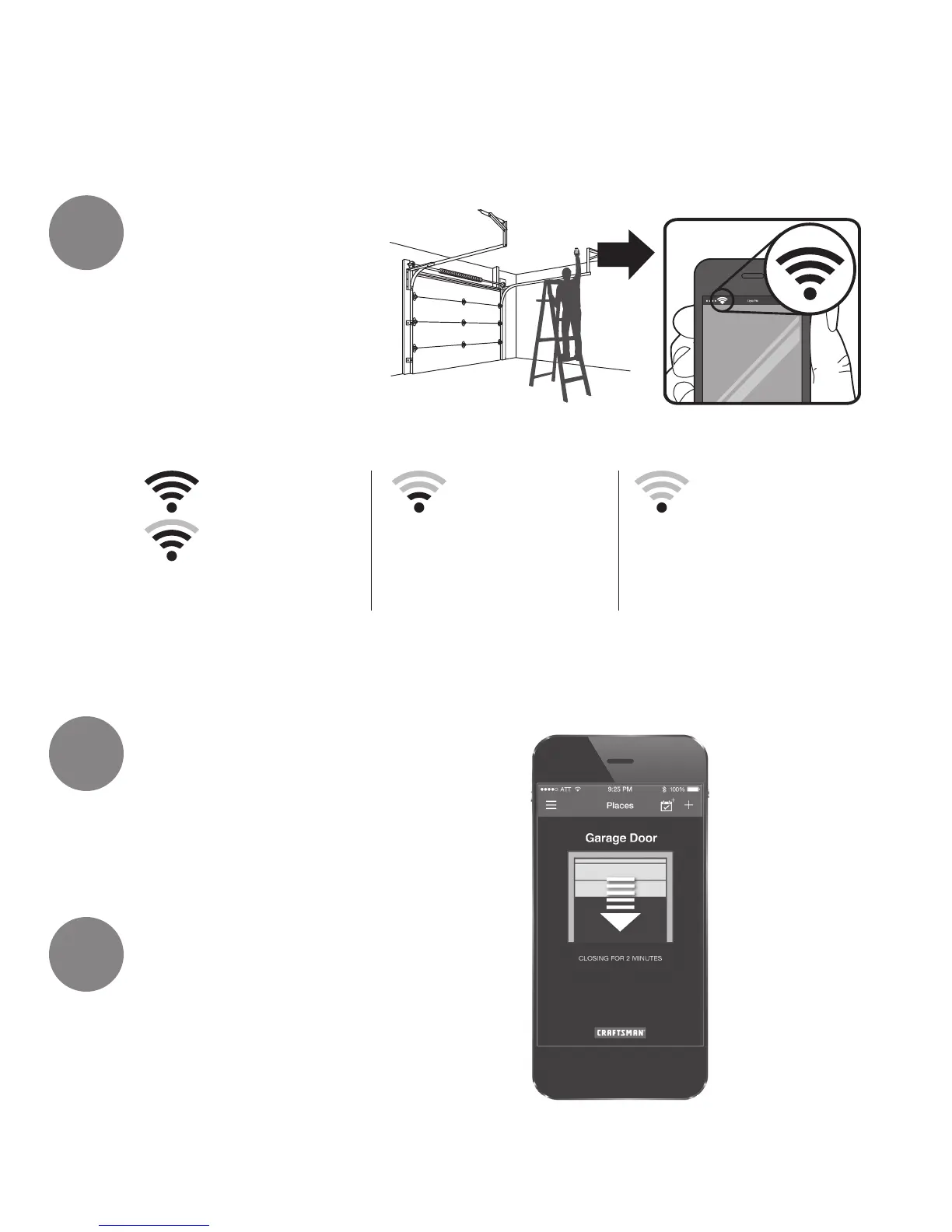
Check your Wi-Fi
®
Signal Strength
Make sure your mobile device is
connected to your Wi-Fi network.
Hold your mobile device in the
place where your garage door
opener will be installed and
check the Wi-Fi signal strength.
Thank you
for purchasing your
Craftsman
®
Smart Garage Door Opener.
Smart Control
Page 32
Link your mobile device to your
Craftsman
®
garage door opener.
Do NOT connect prior to installation.
Installation
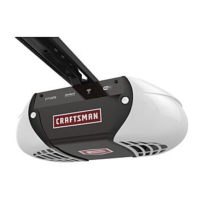
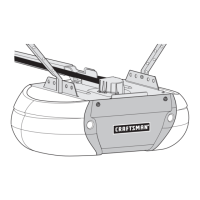
Follow the directions in the enclosed manual to
complete the garage door opener installation.
Check Signal Strength. If you see:
Wi-Fi signal is strong.
You’re all set!
Install your new garage
door opener.
Visit smartgdo.craftsman.com
for more details
Wi-Fi signal is weak.
The garage door
opener will likely
connect to your Wi-Fi
network.
No Wi-Fi signal.
Try one of the following:
• Move your router
closer to the garage
door opener
• Buy a Wi-Fi range
extender
• Buy a Craftsman
®
Garage Door Opener
Connectivity Hub
1
2
3


 To Next Page