Need help?
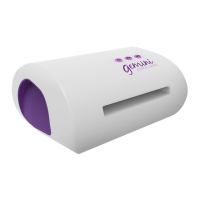
Do you have a question about the Crafter's Companion Gemini and is the answer not in the manual?
Standard plate setup for thin metal dies: Base, Plastic, Magnetic Shim, Die, Material, Clear Plate.
Plate setup for intricate dies including a Metal Cutting Plate for better performance and multiple passes.
Plate configuration for thicker Die'sire dies, accommodating various materials up to 2mm thick.
Plate setup for embossing with specific dies, including the Rubber Embossing Mat.
Plate setup for embossing using folders, placing the folder between base and clear plates.
Troubleshooting steps for when the Gemini machine does not turn on.
Identifies reasons for the machine stopping and reversing, like plate alignment or material thickness.
Explains the heat sensor feature causing the machine to stop after continuous use.
Solutions for shallow cuts or embossing, suggesting die/folder checks and adding shims.
 General
| Brand | Crafter's Companion |
|---|---|
| Model | Gemini |
| Power Source | Electric |
| Compatibility | Compatible with various dies and embossing folders |
| Material Compatibility | Paper, cardstock, fabric, thin metal, and more |

 To Next Page