EasyManua.ls Logo

Craftmatic L-132 - User Manual

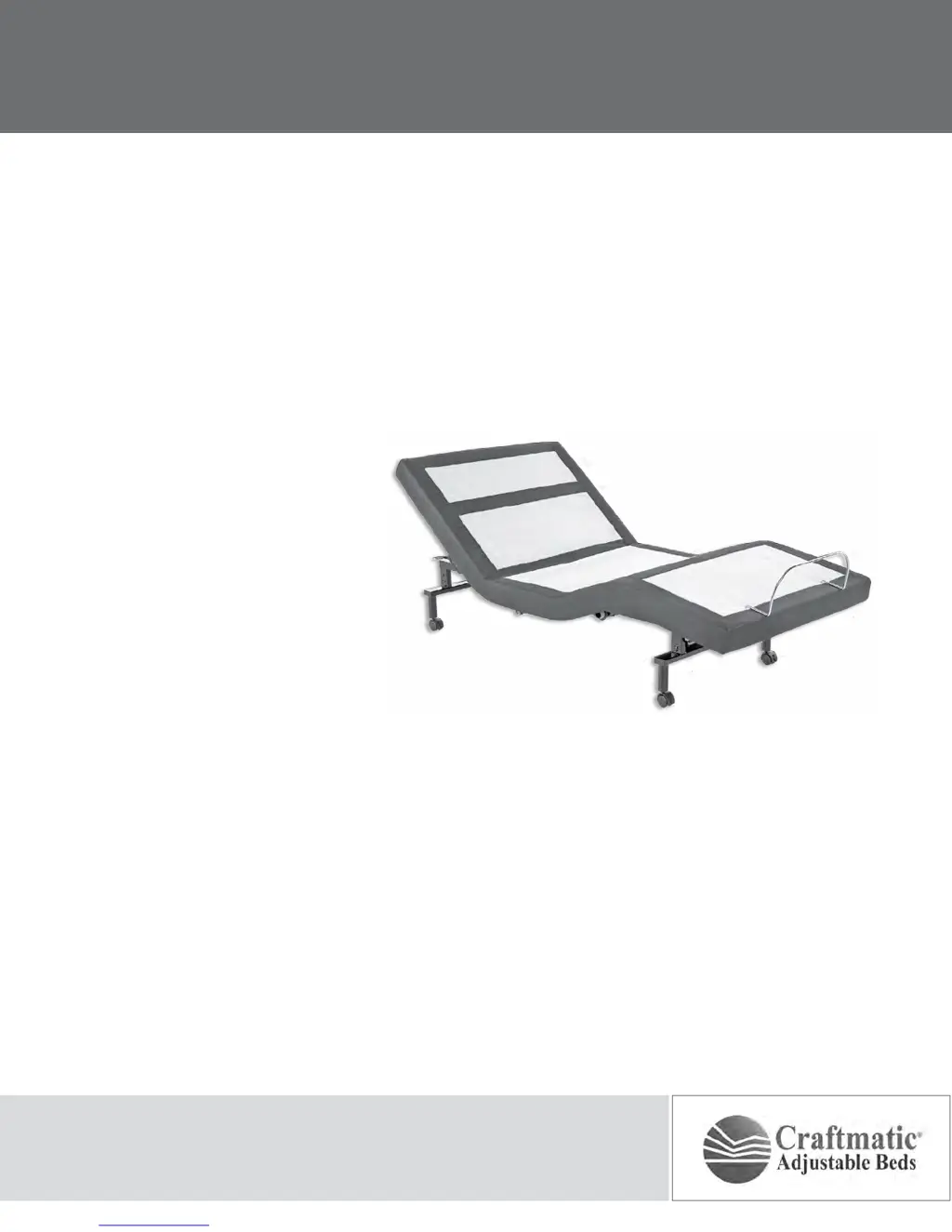
Craftmatic L-132
28 pages
Print Icon
To Next Page IconTo Next Page
Loading...
owners manual
L-132

Questions and Answers

  • C
    chelsea73Aug 2, 2025
    What to do if no features of my Craftmatic Indoor Furnishing base will activate?
    • J
      Jacob AllenAug 3, 2025
      If no features of your Craftmatic Indoor Furnishing base are working, try the following: * Program the remote control (refer to the Remote Control Programming section of this manual). * Unplug the power cord, wait 30 seconds, and plug it back in to reset the electronic components. * Check the electrical service breaker box to ensure that the circuit breaker hasn't tripped. * Test the outlet by plugging in another working appliance to rule out a defective surge protection device or electrical outlet.
  • S
    Samantha BennettAug 9, 2025
    Why does my Craftmatic Indoor Furnishing remote illuminate but not activate the base?
    • L
      Leslie RamosAug 9, 2025
      If the remote control for your Craftmatic Indoor Furnishing illuminates but doesn't activate the base, please check the following: * Ensure the power cord is plugged into a working, grounded electrical outlet. Using a grounded, electrical surge protection device is recommended. You can test the outlet by plugging in another working appliance. * If the base was operated beyond its rated duty cycle, the thermal switch might have opened. Allow 30 minutes before attempting to operate the base again. Once normal operation resumes, avoid exceeding the duty cycle.
  • V
    veronicaortegaAug 14, 2025
    What to do if my Craftmatic Indoor Furnishing head or foot won't return to flat?
    • N
      natasha89Aug 14, 2025
      If the head or foot section of your Craftmatic Indoor Furnishing elevates but won't return to the horizontal (flat) position: * Check the base mechanism for any obstructions and remove them. * Ensure that the head section isn't too close to the wall. * If using a headboard, verify there's a 1.5” (38.1mm) to 2” (50.8mm) distance between the headboard brackets and the mattress. Adjust if necessary.
  • R
    Reginald LaraAug 20, 2025
    How to reduce massage motor noise in my Craftmatic Indoor Furnishing?
    • S
      Sheila ButlerAug 20, 2025
      If you are experiencing excessive massage motor noise with your Craftmatic Indoor Furnishing, consider the following: * If the base is on hard surface flooring, place carpet pieces or rubber caster cups under each leg or caster of the base. * Elevate the head or foot section slightly using the remote control to realign the lift/lower mechanisms with the base support platform. * Make sure the base isn't positioned against a wall, nightstand, or other object that could cause vibration or noise. * If the base is installed over a bed frame, check that the massage motors aren't causing the bed frame (or its components) to vibrate. * If using a headboard, verify that the attachment hardware is tightened firmly.
  • G
    Gwendolyn LopezAug 27, 2025
    Why won't my Craftmatic Indoor Furnishing remote control illuminate?
    • K
      Kathryn LopezAug 27, 2025
      To resolve a remote control that will not illuminate for your Craftmatic Indoor Furnishing, replace the batteries in the remote control.

Summary

ADVISORY

CHILD AND PET SAFETY

Safety precautions for children and pets around the adjustable base.

INSTALLATION

HEADBOARD BRACKET INSTALLATION

Instructions for installing headboard brackets, safety clearance, and adjustments.

REMOTE CONTROL FUNCTION

REMOTE CONTROL PROGRAMMING

PROGRAMMING ONE REMOTE TO ONE BASE

Step-by-step guide for synchronizing a single remote to a single base.

SYNCING ONE REMOTE TO TWO BASES

Procedure to link one remote control to operate both bases.

SYNCING TWO REMOTES TO TWO BASES

Guide to synchronize two separate remotes to two separate bases.

SEPARATING TWO REMOTES FROM BASES

Restoring individual base operation for two remotes.

POWER DOWN OPERATION

POWER DOWN DEVICE BATTERY INSTALLATION

Instructions for installing batteries into the power down device.

CONNECTING POWER DOWN DEVICE

Steps to disconnect and connect the base to the power down device.

LOWERING BASE AND POWER RESTORATION

Using the flat button and reconnecting the main power cord.

TROUBLESHOOTING

REMOTE CONTROL NOT RESPONDING

Solutions for remote not activating base or not illuminating.

BASE FEATURES UNRESPONSIVE

Troubleshooting steps when no features of the base will activate.

Craftmatic L-132 Specifications

General IconGeneral
BrandCraftmatic
ModelL-132
CategoryIndoor Furnishing
LanguageEnglish