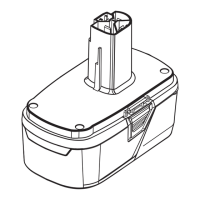
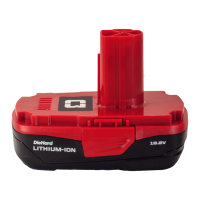
CHARGING THE BATTERY PACK
Follow the instructions in the Operator’s
Manual for the 60LFC02-ETL Rapid Charger
or 60LFC01-ETL Standard Charger.
OPERATION
■ Do not use other battery chargers. The battery
charger supplied is specically designed for the
Lithium-Ion battery used in this garden appliance.
■ The battery is equipped with a temperature
monitor that allows charging only within a
temperature range between 35.6°F and
109.4°F. This ensures an optimum battery
service life.
NOTE:
The battery is supplied partially
charged. To ensure full capacity of the
battery, charge the battery in the battery
charger before using the product for the rst
time. The Lithium-Ion battery can be charged
at any time without reducing its service life.
Interrupting the charging procedure does not
affect the battery.
WARNING!
To reduce risk of re, never
leave the battery connected with the charger
for more than 24 hours!
BATTERY LED INDICATORS
Check the battery pack capacity by pressing
the LED button.
When the LED button is pressed, the color of
illuminated lights indicates the state of battery
pack capacity. See Table below.
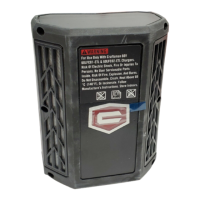
BATTERY LED PANEL
■ The panel consists of 2 LEDs on the battery. Press and release
the button, the LEDs will show you the charge levels.
■ The battery’s charge level can be checked either when the
battery is attached on the machine or removed from the machine.
WARNING!
To avoid risk of re, electric
shock, or electrocution
:
■ Do not use a damp cloth or detergent on
the battery or battery charger.
■ Always remove the battery pack before
cleaning, inspecting, or performing any
maintenance on the product.
The indicator lights on the charger show the charger status:
SYMBOL
Green, continuous Fully charged
INDICATOR LIGHTS STATUS
Connected to power supply
Charging problem:
See Technical Issue
Red, blinking
Red, continuous
Green, blinking Charging
Power Indicators


 To Next Page