4
Other Requirements
- Internet Connection
- Safari 3.0, Netscape 7.2 or Firefox 3.0 browser or newer
Accessing RepairSolutions®
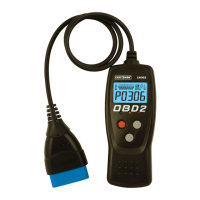
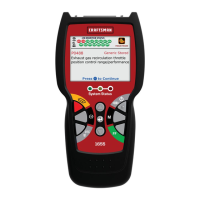
1. Link your diagnostic tool to a vehicle and retrieve diagnostic data.
2. Visit www.innova.com, download and install the latest PC-Link software for your
diagnostic
tool. Select the Support tab, then choose Manuals and Software. Use
the drop-down menu provided to select your tool Category and tool Model to
download the latest PC-Link soft
ware.
3. Connect the diagnostic tool to your PC using a Mini USB cable (cable included).
Your default web browser launches automatically and connects to the
www.innova.com
website.
4. Login to your RepairSolutions® account using your registered Email Address
and Password.
If you have not yet established an account, you must register for a
FREE RepairSolutions® account before proceeding.


 To Next Page