11
5. Touch the “OK” Button to continues as on screen
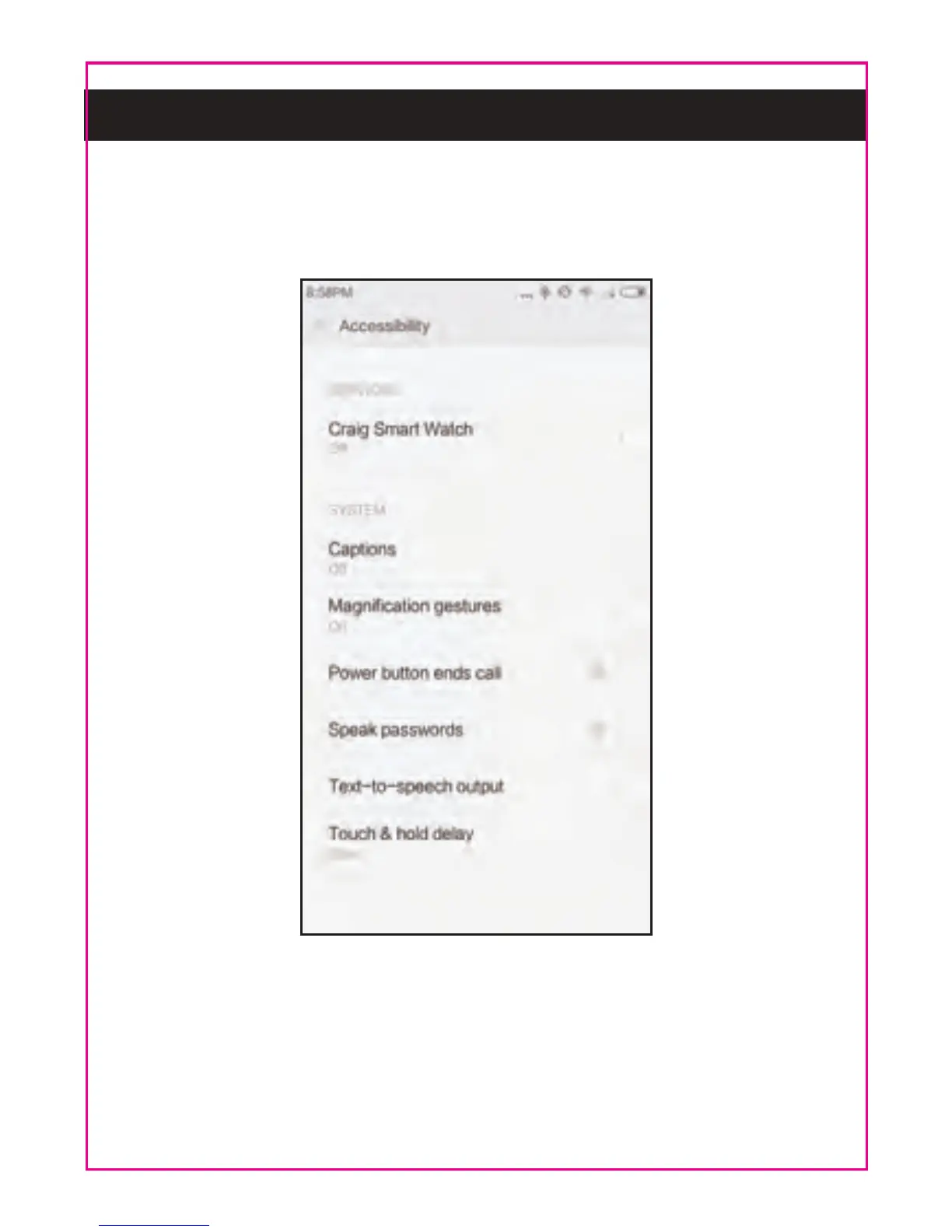
instructions. The follows picture will appear, set or
reset the functions as on screen instructions.
NOTES:
~ Slide the picture upward to find more selections.
~ After set or reset, make sure the switch of "Craig
Smart Watch" is turned to On. Otherwise, BT
connection will be not functioning.



 To Next Page