18
MENU
1. BLUETOOTH:
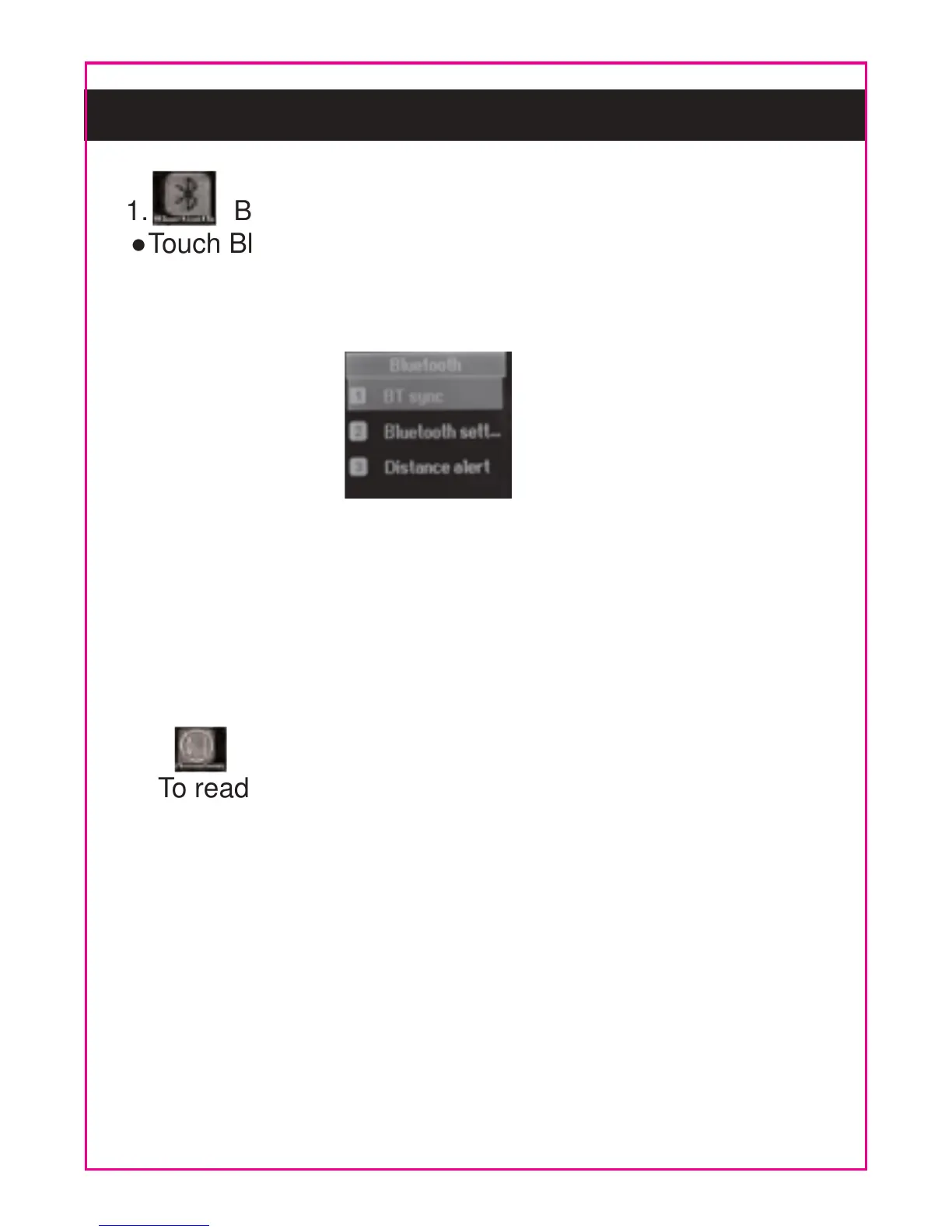
Touch Bluetooth Buttun to enter, the follow picture will
appear. Set or reset the settings as the on display
instructions as below:
BT Sync: Search and pair to the searched Bluetooth
devices.
Bluetooth Settings: Connect or disconnect the Bluetooth
connection.
Distance Alert: If set to On, when the BT connected
phone too far from the unit, alarm will goes off.
●
●
●
●
●
●
●
2. PHONEBOOK:
To read the phone book in the BT connected cell phone.
Touch the desired name to enter, the details of it will
appear.
Touch the phone number, a small window “Call” will
pop up. Touch it to starting dialing.



 To Next Page