13
2. Press Button to start recording then speak into the Microphone at
normal tone of voice.
3. During recording, press the Button to pause, press again to resume
recording.
4. When finished, press and hold the Button until "SAVING ..." appear
on the display to save the recordings.
Playback the voice recording files
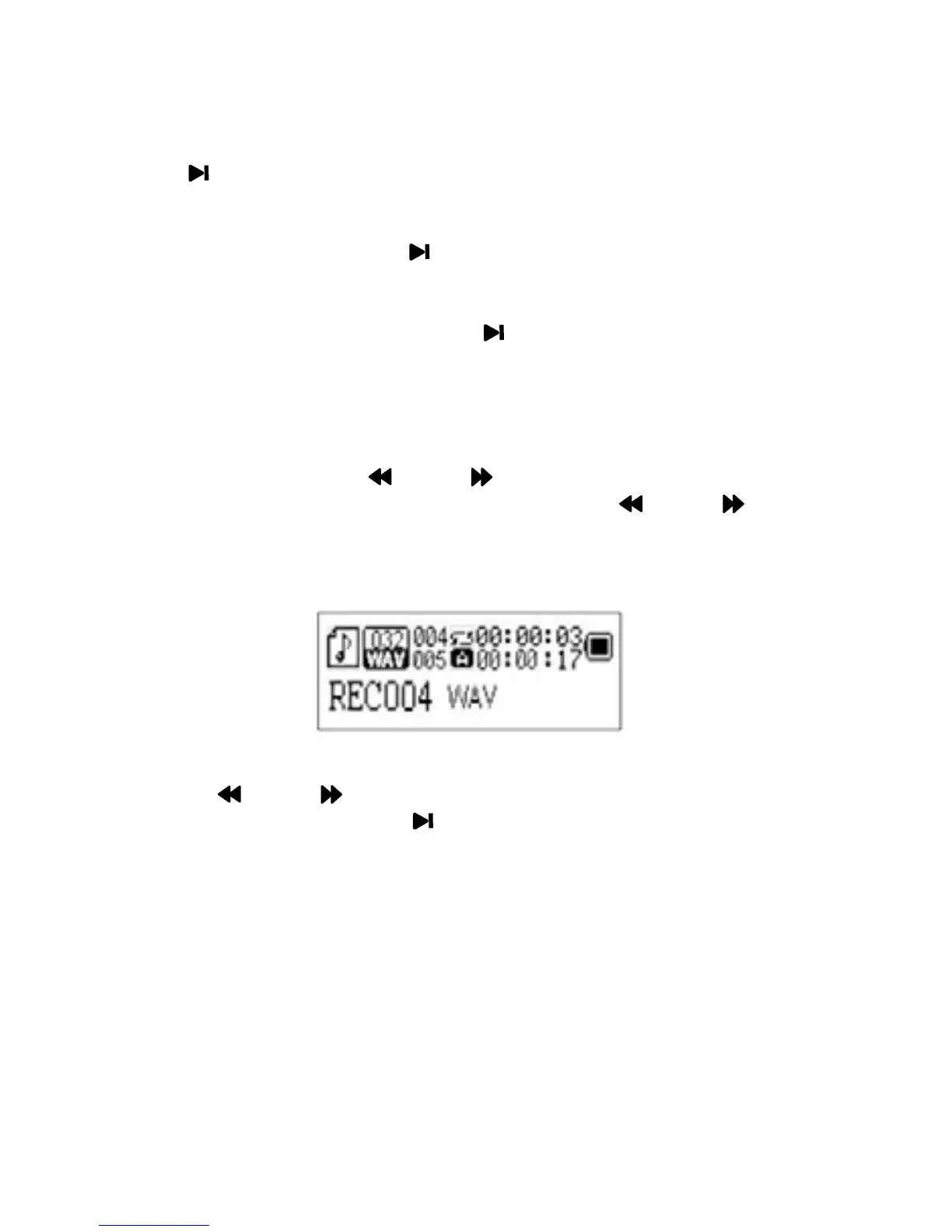
1. In main menu, slide the MODE Toggle Switch to left or right to
select RPL (Recording Playback) then press the MODE Toggle
Switch to enter. The information of the 1st recording file will appear on
the display.
2. Slide the MODE Toggle Switch to left or right to select the desired
recording file then press the Button to start playback
3. Other operations are same as playback music files.


 To Next Page