12
Random Playback the tracks in the current folder
randomly.
Intro Play the first 10 seconds of each tracks
in the current folder.
Equalizer Set the Equalizer modes to Natural ; Rock ; Pop ; Clas
sic ; Soft ; Jazz or DBB as desired.
Replay · Press the MODE Button to enter, the display will
resume to normal display and the Letter "A" of A-B
replay indicator will blink.
· Slide the MODE toggle Switch to right to define the
beginning of AB replay.
· Slide the switch again to define the end of AB replay then
the unit will start playback the selected section
repeatedly.
· To stop AB replay, press the MODE Toggle Switch.
The unit will resume to normal playback.
Exit Press the MODE toggle Switch to return to previous
menu.
Voice Recording
1. In main menu, slide the MODE Toggle Switch to left or right to
select REC (Record) then press the MODE Toggle Switch to enter.
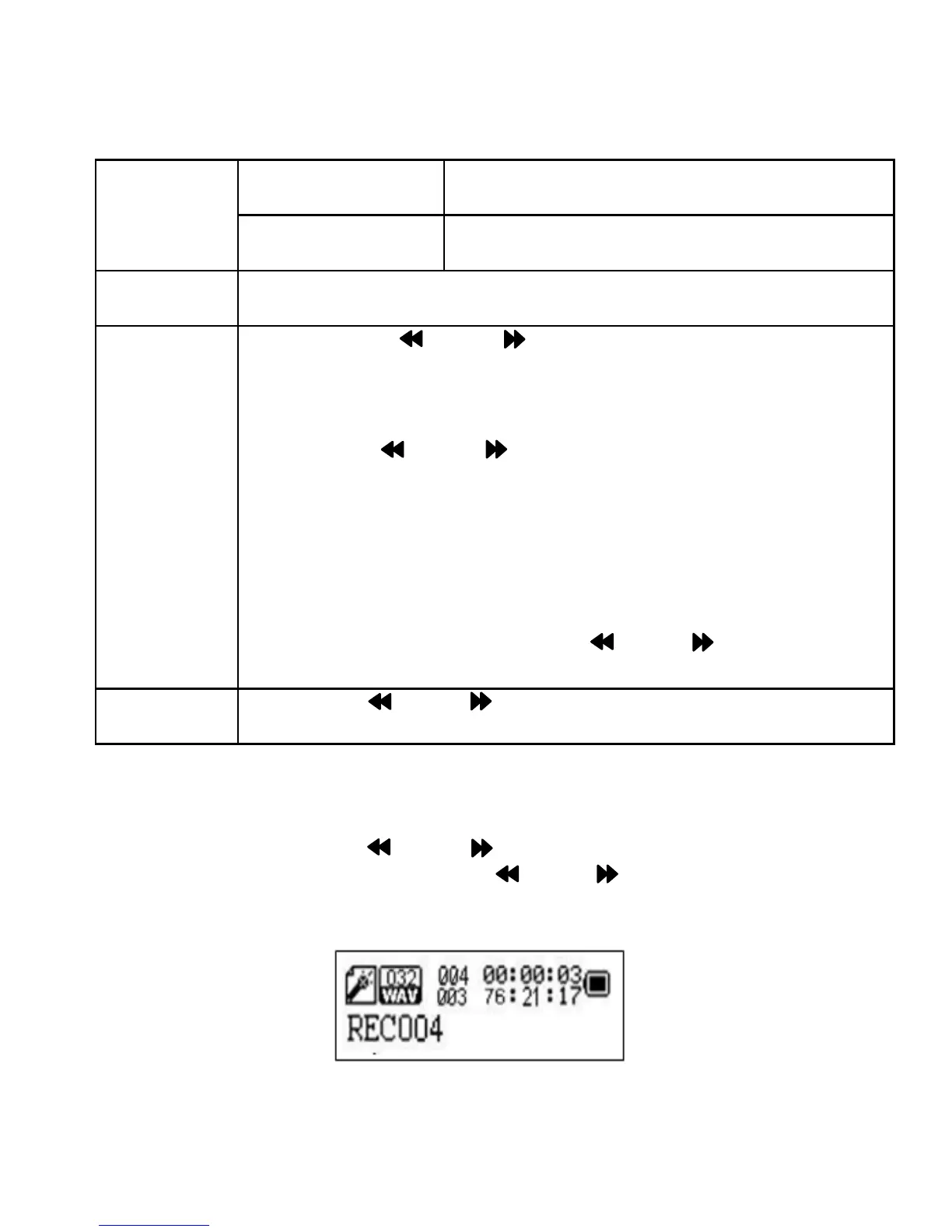
Wait until the following picture appear on the display:


 To Next Page