11
Switch to delete the current song.
· If No is selected. Press the MODE Toggle Switch
to exit.
· Repeat the same procedures until all the specific tracks
were deleted.
Delete all · If "Delete all "is selected, press
the MODE
Toggle Switch to enter, " NO" will appear on the
display.
· Slide and release the MODE Toggle Switch to left
or right to select "YES"or "NO" then press the
MODE Toggle Switch to confirm your selection.
Exit Press the MODE Toggle Switch to return to
previous menu.
7.
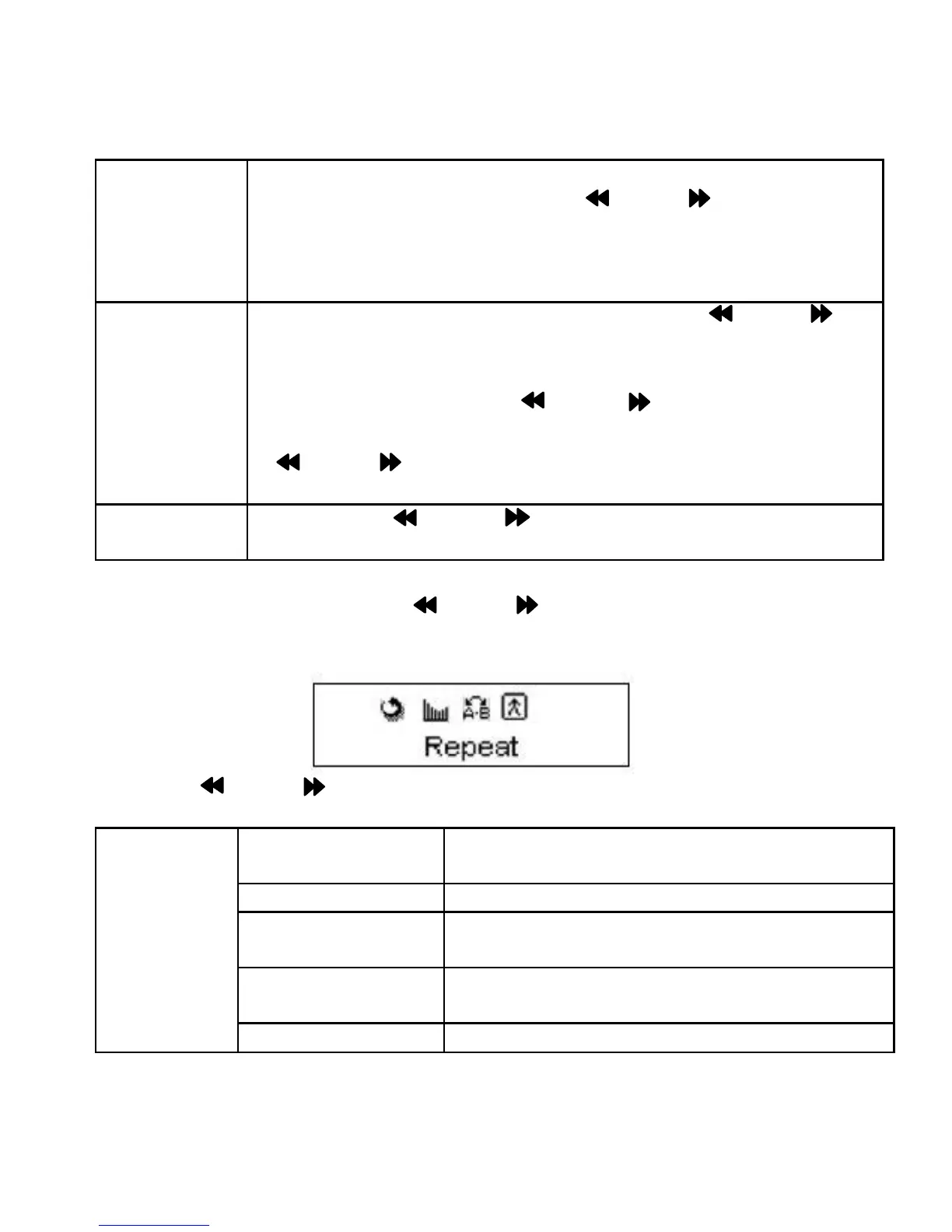
During playback, press the MODE Toggle Switch, the sub-setting
menu will appear on the display as below:
Using the MODE Toggle Switch to set or reset as below:
Normal Play all the tracks in the player one by
one.
Repeat One Play the current track repeatedly.
Folder Play the tracks in the current folder one
by one and then stop.
Repeat Folder Play the the tracks in the current folder
repeatedly.
Repeat
Repeat All Play the tracks in the unit repeatedly.


 To Next Page