10
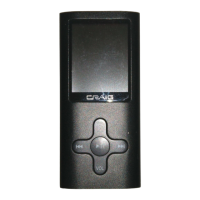
3. During playback, slide the MODE Toggle Switch to left or right to
skip the tracks.
4. During playback, slide the MODE Toggle Switch to left or right and
hold to fast search the specific track.
5. When finished listening, press and hold the Button until “Bye-Bye”
appear on the display to power off the unit.
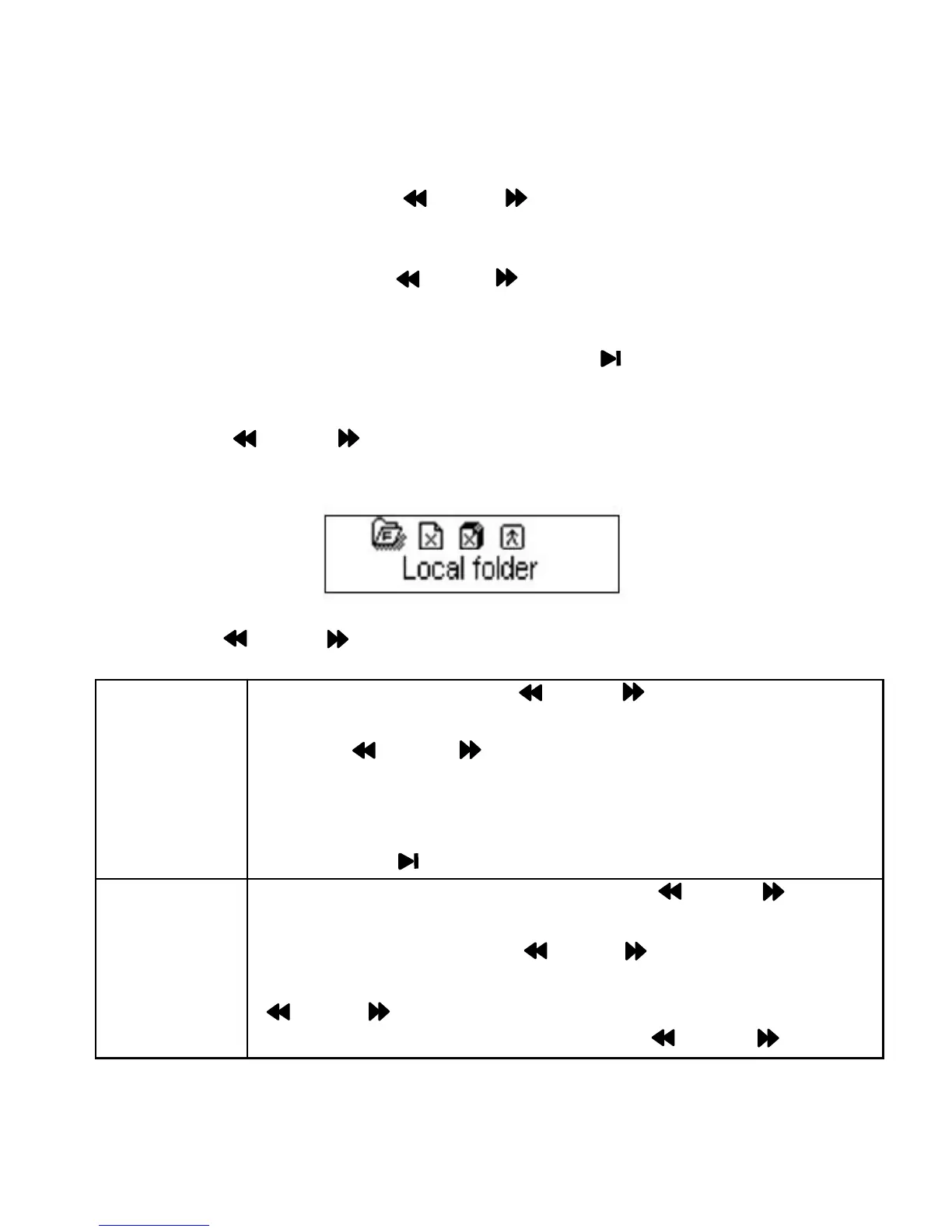
6. Press the MODE Toggle Switch in the stop playback mode, the
sub-setting menu will appear on the display as below:
Using the MODE Toggle Switch to set or reset as below:
Locator
folder
·Slide and release the MODE Toggle Switch to left
or right to select the desired folder/songs then press the
the MODE Toggle Switch to confirm your
selection.
·The information of the selected file will appear on the
screen.
·Press the Button to start playback.
Deleted · If Deleted is selected, press the MODE Toggle
Switch to enter, NO"will appear on the display.
"
· Slide and release
the MODE Toggle Switch to left
or right to select "YES"or "NO" then press the
MODE Toggle Switch to confirm your selection.
· If YES is selected, press the MODE Toggle


 To Next Page