9
3. In “Power off “setting menu
Off time Set the auto power off (when idle) timer to 0 (the unit
will not turn off automatically when idle) or 1, 2, 3, 4
minutes as desired.
Sleep
time
Set the sleep timer to 0 (Sleep timer will not function) or
10-120 minutes as desired.
4. In “Contrast” setting menu
Contrast Set the Contrast level from 1-15 as desired.
5. In “Memory info” setting menu
Memory
info
Read the status of internal memory.
6. In “Firmware version” setting menu
Firmware
version
Read the information of the software.
7. In “Exit” setting menu
Exit Press the MODE Toggle Switch to exit.
MSC( Music) Playback
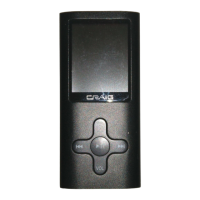
If MSC (Music) is selected, press the MODE Toggle Switch to enter,
the information of current file will appear on the display. Press the
Button to start playback.
1. During playback, press the Volume +/- button to increase/decrease
volume sound level.
2. During playback, press the Button to pause, press again to resume
normal playback.


 To Next Page