8
Main Menu
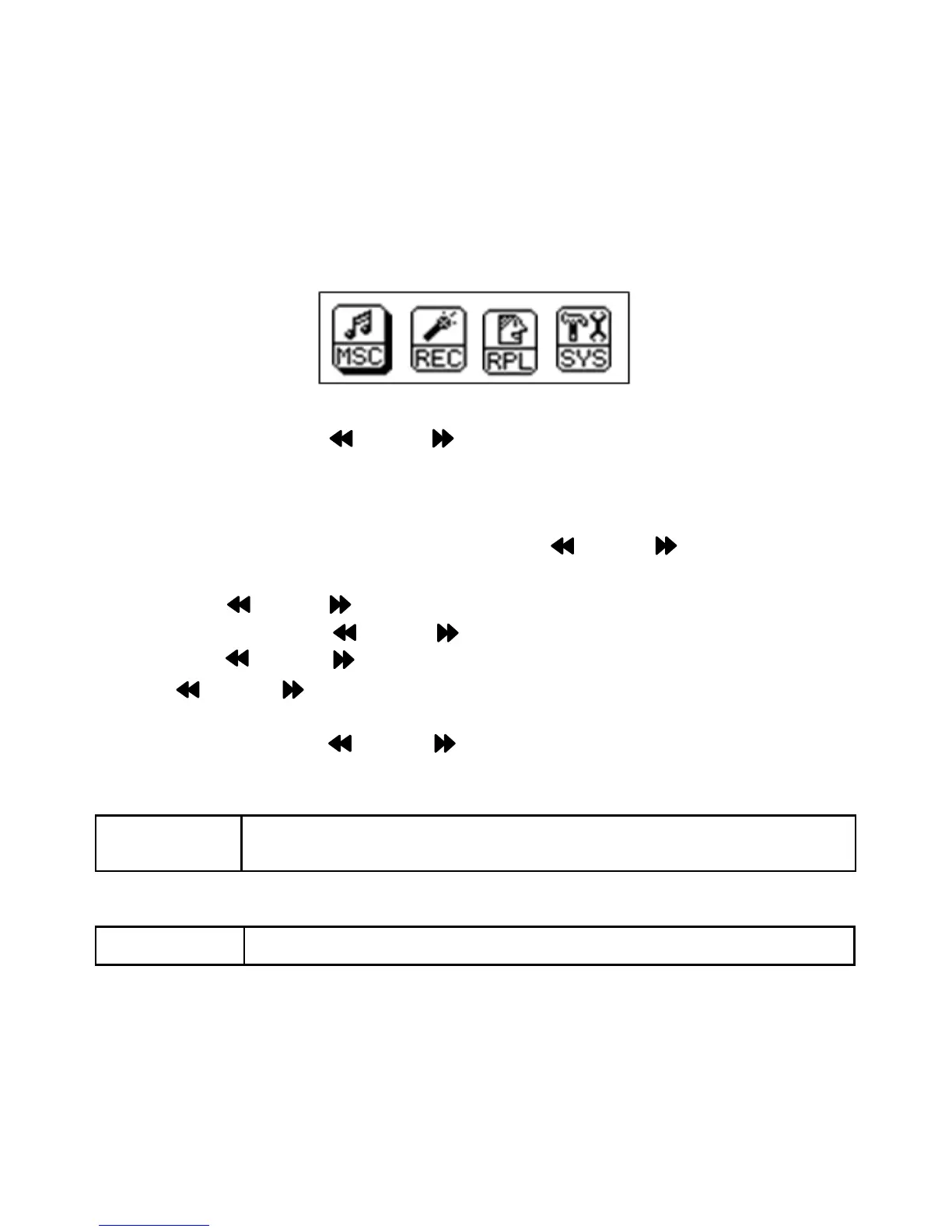
When power on the unit, the main menu will appear on the display as
below:
Slide and release the MODE Toggle Switch to left or right to select
desired menu.
SYS(Systems)
~ If SYS (System) is selected, press the MODE Toggle Switch to
enter.
~ Slide the MODE Toggle Switch to left or right to select the desired
icon then press the MODE Toggle Switch to enter.
~ Slide the MODE Toggle Switch to left or right to set or reset. Press
the MODE Toggle Switch to confirm the setting and exit to
previous menu.
~ Press and hold the MODE Toggle Switch to exit to main menu.
1. In “Backlight” setting menu
Backlight Set backlight auto turn off timer to 0 (Backlight will not
turn off) or 3-30 seconds as desired.
2. In “Language” setting menu
Language Set the on screen display language as desired.


 To Next Page