5
Downloading and Transferring Files
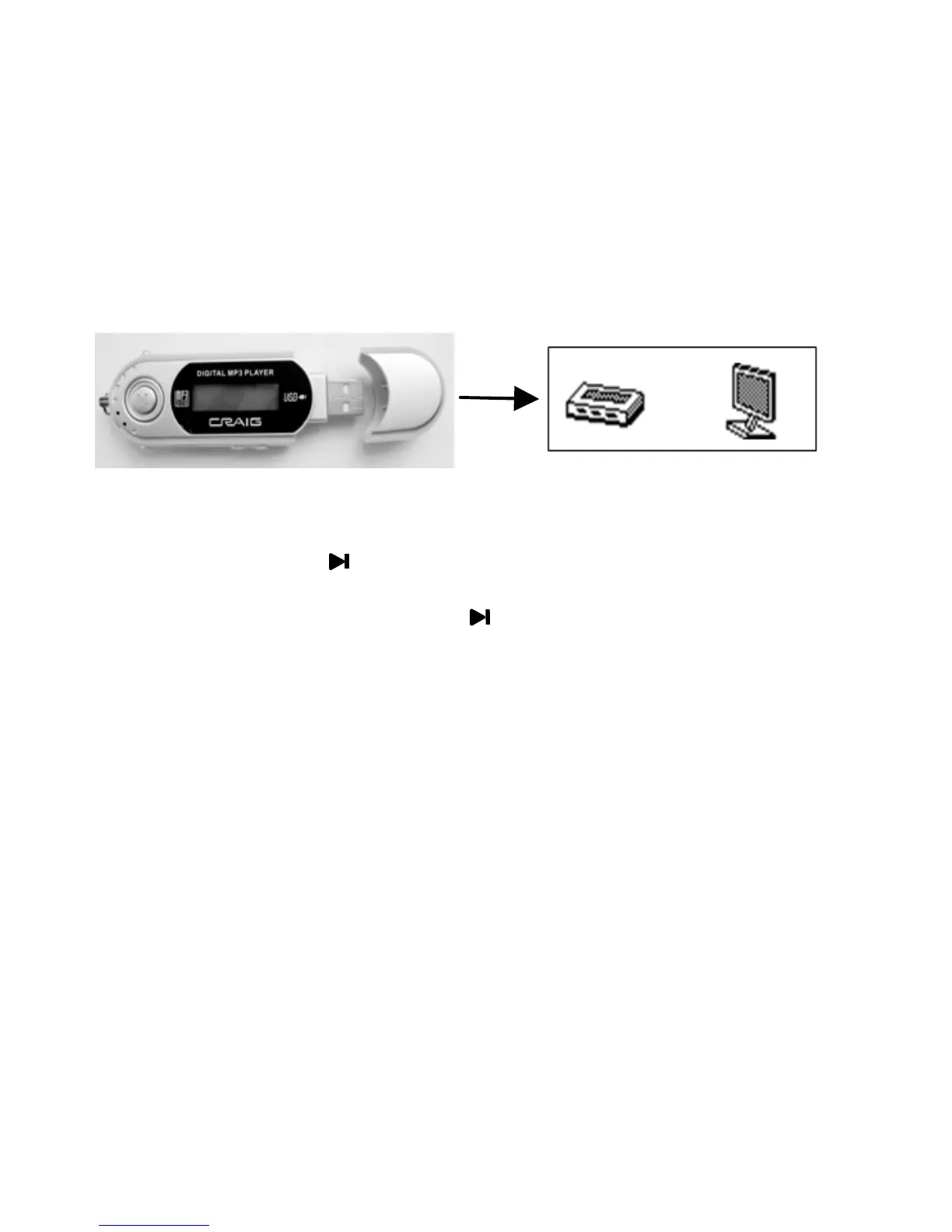
Pull out the cover of the USB Port on the Player as the figure below then
connect the Player to the USB Port on the PC.
Power On/Off
1. Press and hold the Button for approximately 2 seconds to power on
the unit.
2.To power off, press and hold the Button until “Bye-Bye” appears on
the display then release the button.
Earbuds
Insert the supplied Earbuds to the Phones Jack on the unit.
NOTE: Please select a suitable volume and avoid loud sound while using
Download MP3/WMA files into
the unit.


 To Next Page