9. When finished watching, press and hole the MENU button to return to main menu. To turn off
the player, press and hold the >ll button two seconds or slide the POWER ON/OFF switch to
OFF position.
18
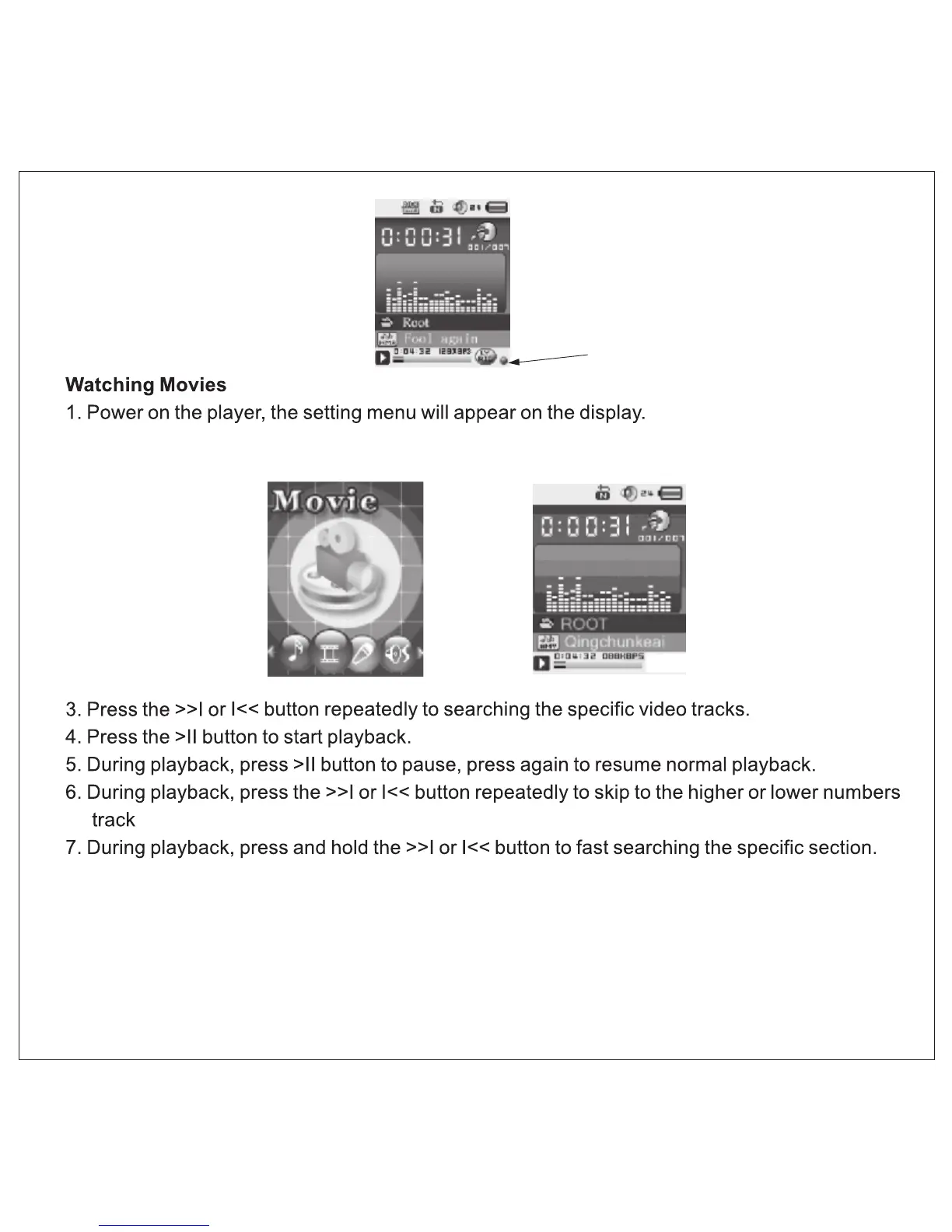
Lyric Indicator
2. Press the >>I or I<< button to select Movie then press MENU button to enter, the display
will shows:
8. To adjust volume. Press the VOL button once, then press the >>l or l<< button to adjust . When
finished, press the VOL button once to exit.


 To Next Page