USB OR SD/MMC CARD PLAYBACK
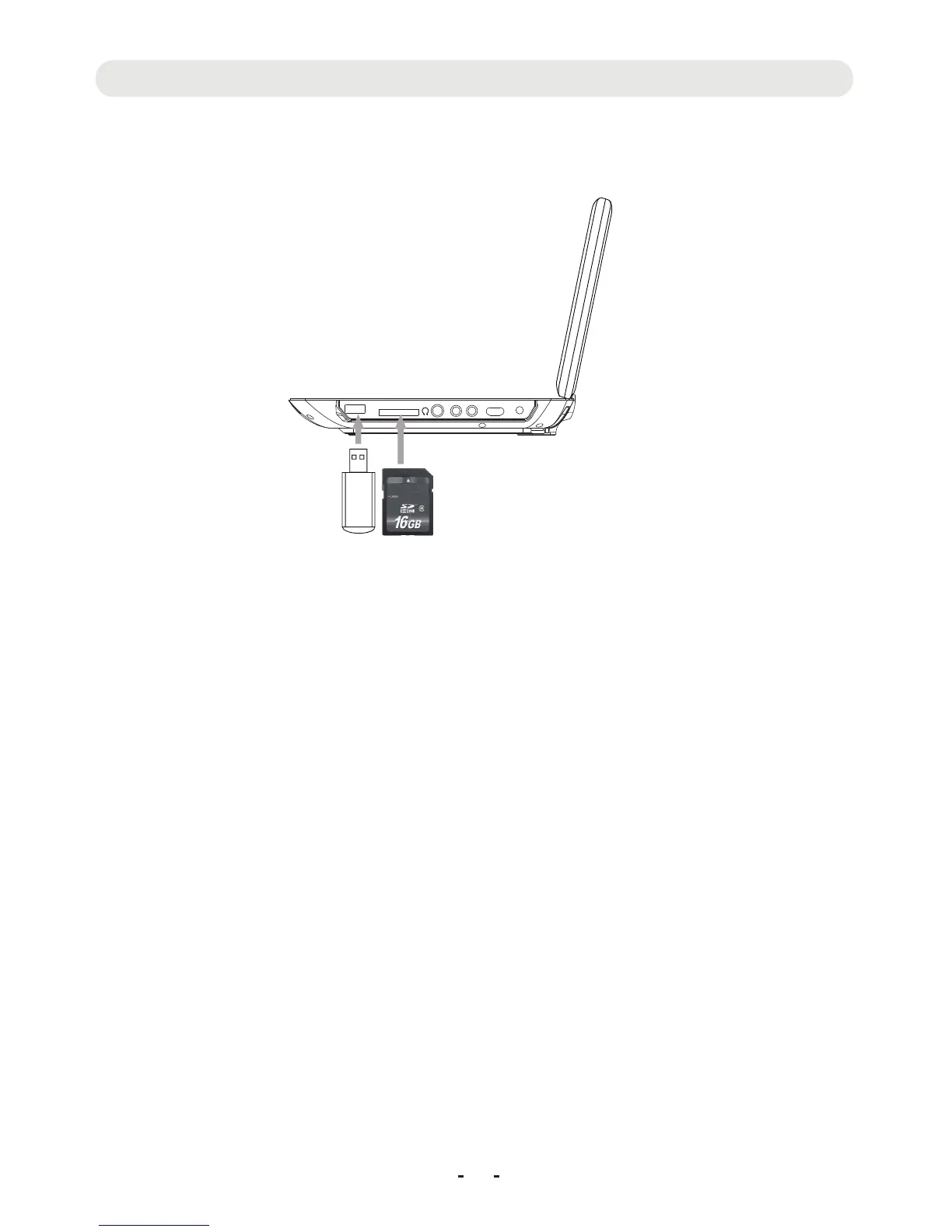
1. Insert the USB Device or SD/MMC memory card (not included) into the USB port/card slot as the figure below:
NB: The unit supported to playback:
~ MP3; WMA ( Music file )
~ JPG ( Pictures )
~ AVI; VOB ( Video files up to 640x480 pixels )
Make sure correct files were saved in the USB device or memory cards before insert to the unit.
2.Power on the unit, press the DVD/USB/SD button
epeatedly to select the desired playback source.
ait until folder/file list appear on the screen. Using the
irection buttons to selected the desired file,
hen press OK button to start playback.
3. Others operations are similar to DVD playback.
19
DC INOFF ON
AV-INAV-OUT
CARD
USB
r
W
D
t



 To Next Page