1
2
3
1
2
3
ABC
#+=
“
”
Edit Refresh Search
Add Comment
Stascs
Readings
UK04/2021v2 - TSPQSG
Crane Electronics Ltd
The force in torque management
For more informaon about the new TorqueStar data collector range call us on +44 (0) 1455 25 14 88 or email us at
sales@crane-electronics.com.
Crane Electronics Ltd
Watling Drive
Sketchley Meadows
Hinckley LE10 3EY
Tel: +44(0) 1455 25 14 88
www.crane-electronics.com
Crane Electronics Inc
1260 11th Street West
Milan, Illinois 61264
USA
Tel: +1 309-787-1263
www.crane-electronics.com
Measurement Screen
Once a transducer is connected, depending on its
torque range, it will automacally populate the LSL
(lower specicaon limit), target torque and USL
(upper specicaon limit). The limits can be amended
by highlighng and selecng them on the screen with
the arrow keys and pressing the green accept key.
5
Eding the Torque Limits
Use the le and right arrows to move to the ‘Limit’
that you wish to change. When highlighted, press the
green buon. Use the Up and Down arrow keys to
change the number and the Le and Right arrows to
go to another number. Once you have set the desired
gure press the green key to accept the change.
6
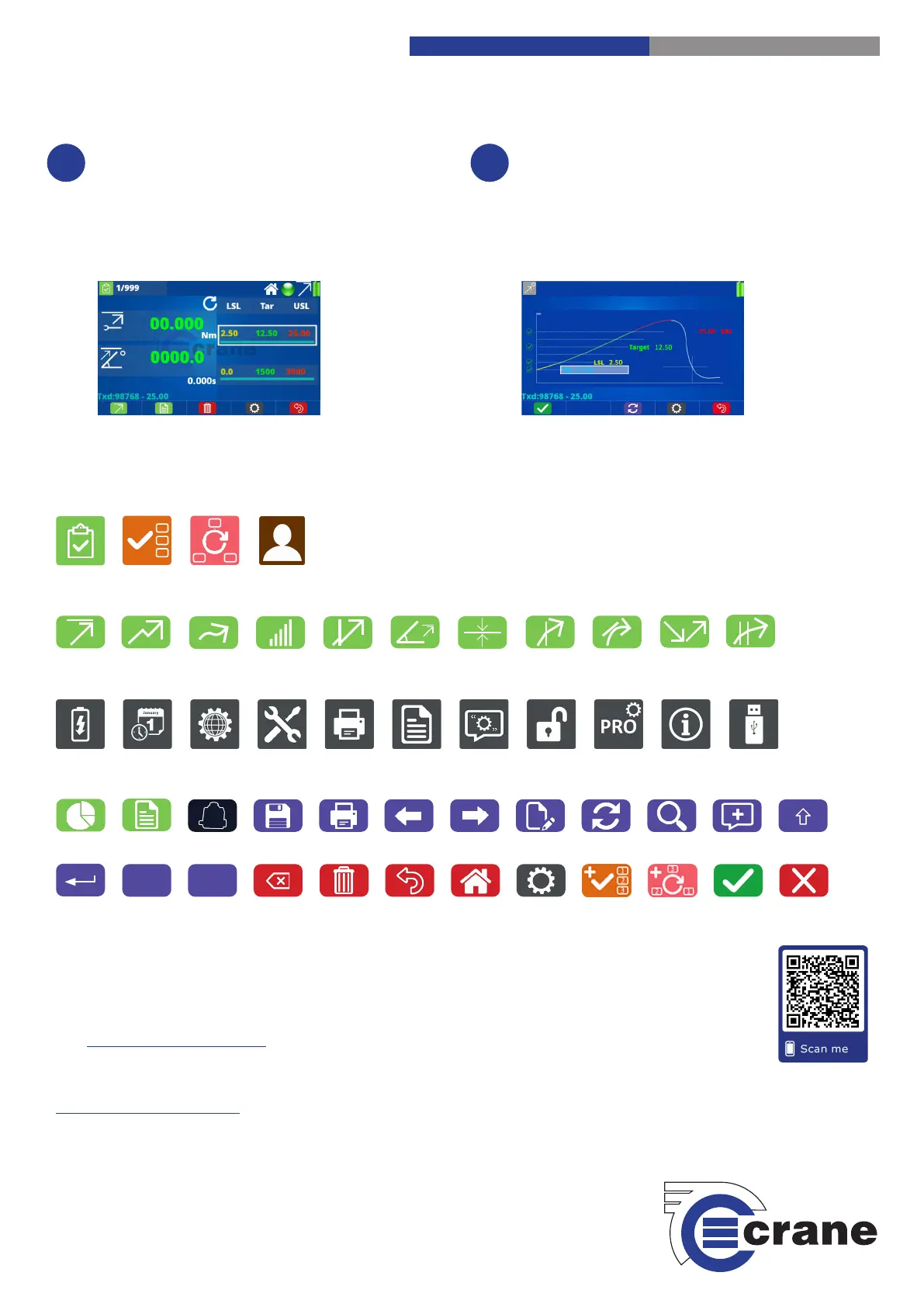
TorqueStar Plus & Pro Icons
The following is a guide to the various funcon key icons that will appear throughout the TorqueStar Plus & Pro model screens.
TorqueStar Plus & Pro Operators Manual
For more in-depth informaon about the TorqueStar Plus & Pro, why not download the complete Operators
Manual online on our website. The manual contains more informaon about the TorqueStar including features
and technical specicaons, detailed product sengs and easy to follow guidance for ecient operaon.
Funcon Modes:
Measurement Modes:
Sengs Screens:
General / Others:
Check Jobs Rounds Users
Peak Click Track Pulse Audit Angle Force MoveOn Yield
Re-ghten
Power
Date/Time
Language
Misc. Torque
AutoPrint Readings
Comments
Unlock Pro Only
Splash Screen
Visit www.crane-electronics.com or scan the following QR code for direct access to the manual.
Save AutoPrint Le Right
Yes / OK No / CancelHome
Shi
Enter Symbols Text Delete
Back
Transducers
Sengs Add Job
Add Rounds
Backspace
Export Sengs
MoveOn
Advanced


 To Previous Page
 Loading...

