AFTER SALES SUPPORT
1 866 558 8096
service@801service.net
6
Mini Stepper Battery & Functions
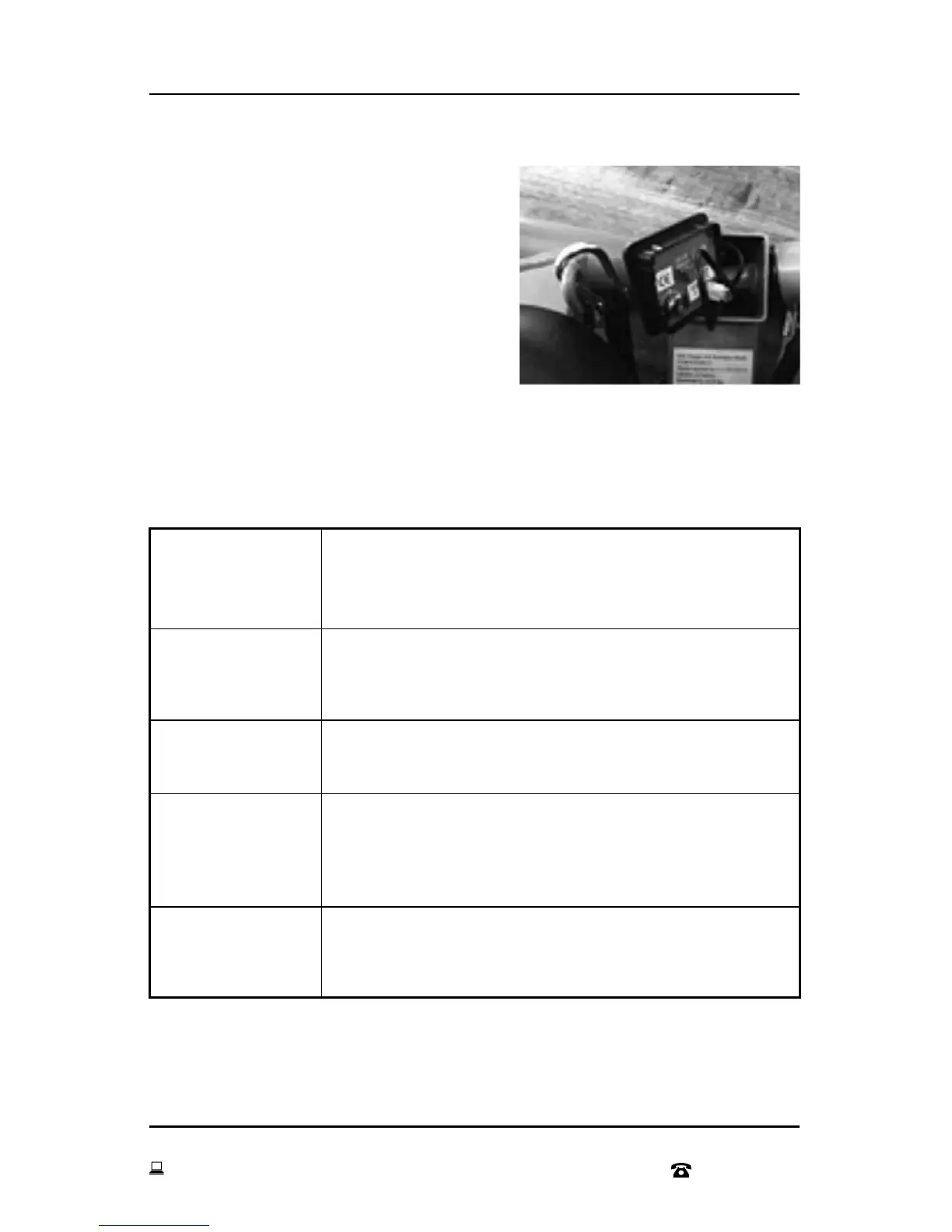
The battery comes installed and ready to go.
Should you need to replace the battery:
remove the Digital Display case from the
Mini Stepper with Resistance Bands. Take
out the battery and put in the new battery.
Battery: 1.5VG13 A Alkaline Cell Battery
FUNCTIONS
Once you start to pedal, the display will automatically
turn on and the counter will start operating.
Once you stop exercise, (STOP) will be displayed at the
top left of the LCD screen after 4 seconds. The power
will be turned off after 4 minutes.
To reset the counter, press the RESET button for
3 seconds.
Select the function you would like to display by
pressing the red button on the digital display. Confirm
your selected function by the arrow displayed at the
top of the LCD screen
Once (SCAN) is displayed at the top of the screen,
the display will change the display function every 5
seconds.
START
STOP
RESET
FUNCTION
SELECTION
FUNCTION
DISPLAY


 To Next Page