TRC458
Combi
Back Button
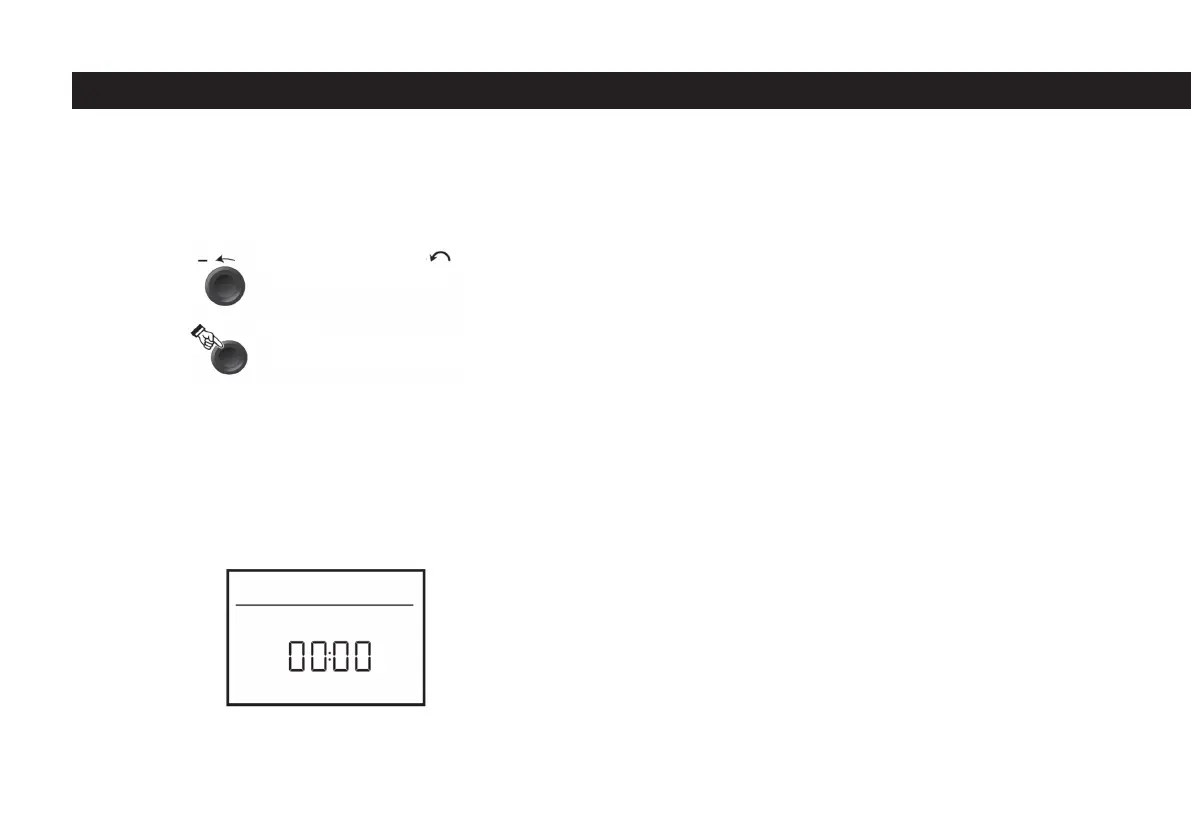
When the back button 9 is pressed, it returns from a menu and the settings made
in that menu are cancelled. In other words, previously valid values are preserved.
First commissioning
A few seconds after the Truma CP plus VarioHeat control unit is connected to the
power supply, a start screen appears.
- The time information and the set room temperature are displayed alternately
on the screen.
On/Off
Touch button 8 to open. The previously set values / operating parameters are
reactivated after switching on the device.
Press button 8 for more than 4 seconds to turn it off. Shutdown of the Truma
CP plus VarioHeat control unit may be delayed by several minutes due to the
internal follow-up of the heating or air conditioning system (“OFF” is displayed
during this time period).
Activatimg APP mode
- Press button 8 for about 2 seconds until the “APP” display appears on the
screen.
- Let go of the rotary/push button.
- The previously set values are saved.
Shutting down APP mode
- If new values are transferred via the Truma App or the infrared remote control of
the air conditioning system, the APP mode is turned off.
- If the Truma CP plus VarioHeat control unit is activated by pressing the rotary /
push button. The previously set values are taken over for the new operation, the
APP mode is turned off.
Changing the Room Temperature
- Select the room temperature setting icon in the menu line number 3 with the
button number 8.
Counter clockwise
Tap
- Menu moves to the left.
- Grades lower. (-)
- A grade is copiet (saved).
- Menu step choice
48



 To Next Page