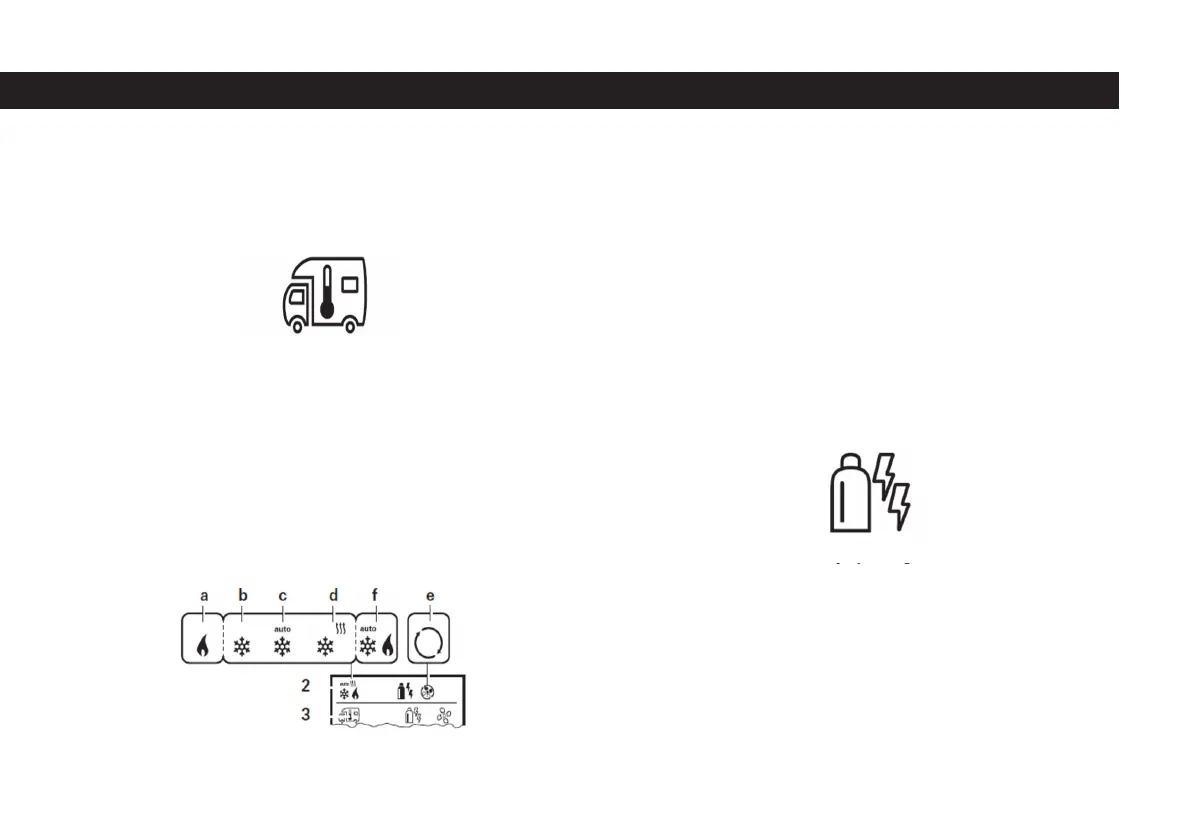
- Switch to the setting level by pressing the button number 8.
- Select between the heating system (HEATER), air conditioning system (AC) with
the rotary / push button depending on the device connected.
- Click on button 8 to conrm the selection.
- Bring the button number 8 to the desired temperature by turning it to the right
and left.
- Click on button 8 to conrm the value.
Heater
Adjustable temperature range 5 – 30 °C (in 1 °C steps) a= Heating on – Symbol
lights up, symbol ashes if the room temperature has not been reached yet. It is
essential that the temperature range is selected below 5 °C (OFF) in order to turn
off the heater.
Choosing the energy type
- Select the energy setting icon on the 3rd menu line with the 8 numbered
button.
- Switch to the setting level by pressing the button number 8.
- Turn the button number 8 to the right and left to bring it to the desired setting
level.
- Click on button 8 to conrm the selection.
Room temperature setting sign
Energy setting sign
49



 To Next Page