TRC458
Combi
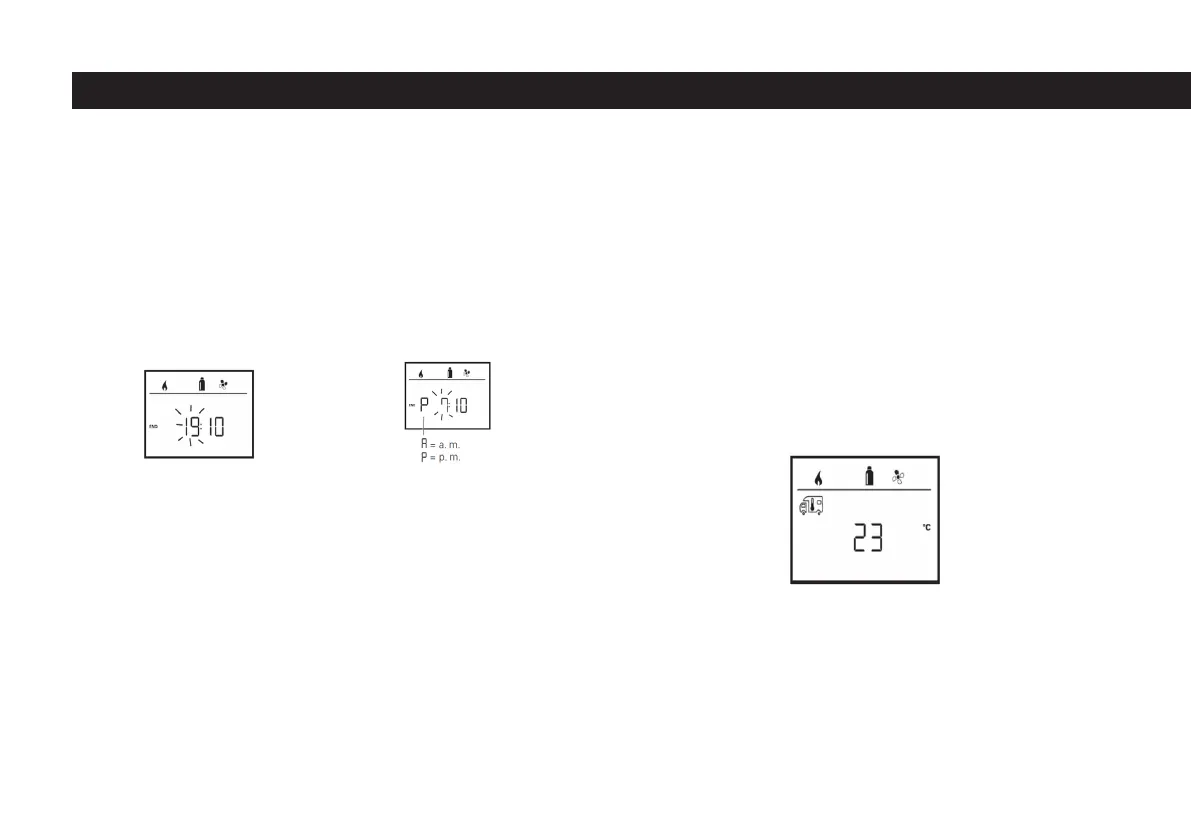
- When the time reaches the desired value, conrm the time by clicking on the
button number 8.
- After conrming the time, the minute segment will ash.
- Set the minute value to the value you want by using the button number 8.
- When the minute value reaches the desired value, conrm the minute by clic-
king on the 8 button.
- If the start / end time has passed at the time of entry, the operating parameters
will only be valid when the next start / end time is reached. Until then, the opera-
ting parameters set apart from the timer are valid.
Setting The Room Temperature
- Select between heating , air conditioning system or automatic air conditioning
with button 8, depending on the device connected (see “Changing the room
temperature” on page 18).
- Click on button 8 to conrm the selection.
- Select the room temperature you want with the button number 8.
- Click on button 8 to conrm the value.
Select energy type (HEATER only)
- See detailed information. “Selecting the energy type”, page 19, select the
energy type you want with the button number 8.
- Click on button 8 to conrm the selection.
Entering Stop Time
24 Hour mode
12 Hour mode
52



 To Next Page