TRC458
Combi
Reset
The reset function resets the Truma CP plus VarioHeat control unit to factory
settings. All settings are deleted. Newly connected devices are detected and
stored in the control unit.
Turn on the voltage supply.
12 V= for Truma CP plus VarioHeat, Truma VarioHeat and Truma E-Kit control unit
and for 230 V air conditioning systems and Truma E-Kit.
Resetapplication
- Select ”RESET” with button number 8.
- Click on button number 8.
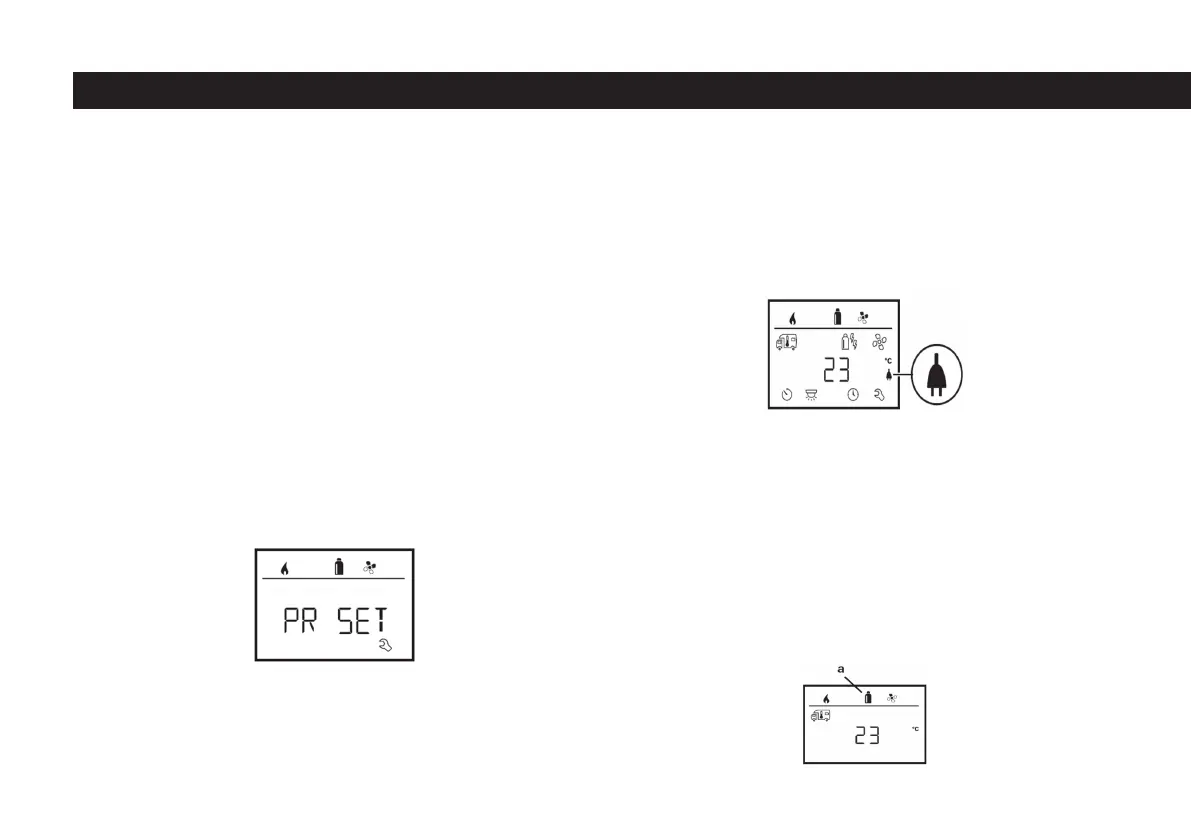
- “PR SET” is displayed on the screen.
- Click on button 8 to conrm.
Infrared AC System
When a command is received from the infrared remote control of the air conditi-
oning system, “ER” is displayed on the screen.
Truma App with iNet Box
When a command is received from a mobile device with the Truma APP applicati-
on on it, “APP” is displayed on the screen..
External Control UNIT (CI_BUS)
When a command is received from an external control unit with CI-BUS, “CI” is
displayed on the screen.
The Truma CP plus VarioHeat CI-BUS control unit is only a special model tted at
the factory.
Energy Type Indicator
Energy type in heating operation e.g. gas (a) is displayed (see “Selecting the
energy type” on page 19)
After conrming, the Truma CP plus VarioHeat control unit is started. During this
process, “INIT ..” is displayed on the screen.
Special indicators
Mains voltage 230 V available
The symbol indicates 230 V mains voltage in the connected heating and/or air
conditioning system.
56



 To Next Page