11
Playback
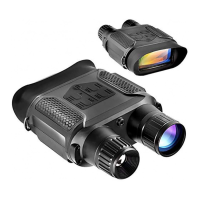
Watching Stored Videos and Photos: In the observing mode, press #14 to use
the playback function. In the playback mode -> press #12 and #15 to select a
specific photo or video -> press #13 to view the image or video.
Deleting Stored Videos and Photos: In playback mode, press #11 to delete the
current photo (video) or the whole photo (video). Press #12 or #15 to select
photo(video). Press "OK" #13 to confirm).
In the observing mode, press#14 shortly to get into the video shooting mode.
Press "OK" #13 to start shooting (shown as "START"); the time displayed on
the left corner turns into timekeeping, and the viewer record the video
automatically. Press "OK" #13 again to stop shooting (shown as "STOP").
In the shooting mode, the video clips are saved on the TF card automatically.
When the video shooting ends, the time shown on the left corner states the
remaining available time based on the TF card's storage.
Video Mode
Changing the Modes


 To Next Page