12
Quick Start
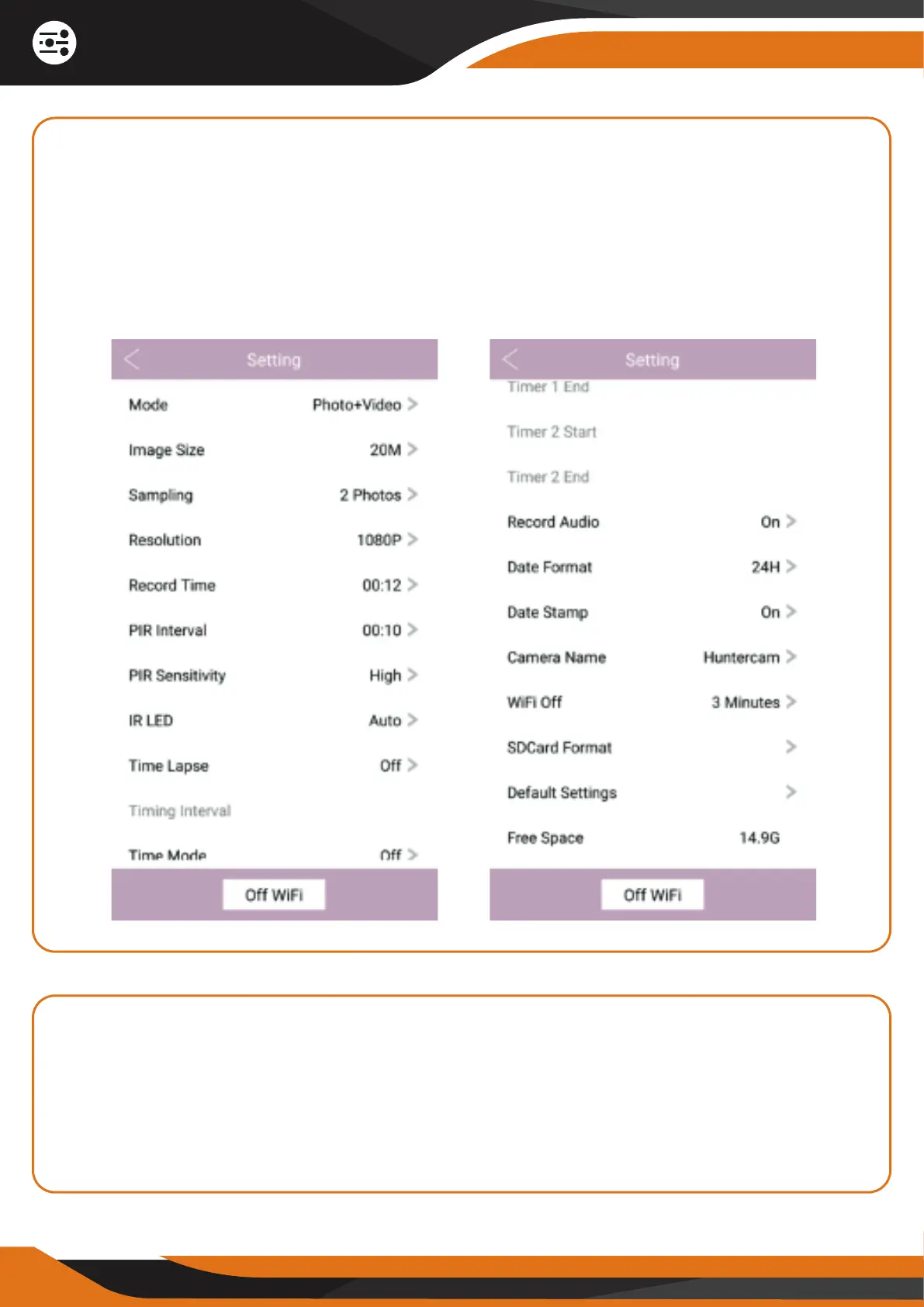
9. ADJUST THE CAMERA SETTINGS
You can press on the settings wheel icon on the bottom right corner of the
screen if you want to set new parameters or adjust camera settings. For more
details on what each setting does, please check our website
www.creative-xp.com or our YouTube channel “CREATIVE XP Hunting”.
We often post tutorial videos and Q&A sessions!
10. TAKE PHOTOS & RECORD VIDEOS VIA THE APP
You can take a real-time photo or video (depending on the camera mode) by
pressing the center round button in the app. All files can be downloaded on
your phone or stored locally on the app. For more details on these features,
please check our website www.creative-xp.com or our YouTube channel
“CREATIVE XP Hunting”.


 To Next Page