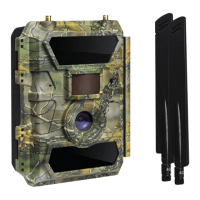
Wi-Fi network name = it starts with “PR300WIFI…”
Wi-Fi network password = 12345678
Note: After your phone is connected to the camera’s Wi-Fi network, the
camera’s red light will stay on and STOP flashing.
8. CONNECT THE PHONE APP TO THE CAMERA.
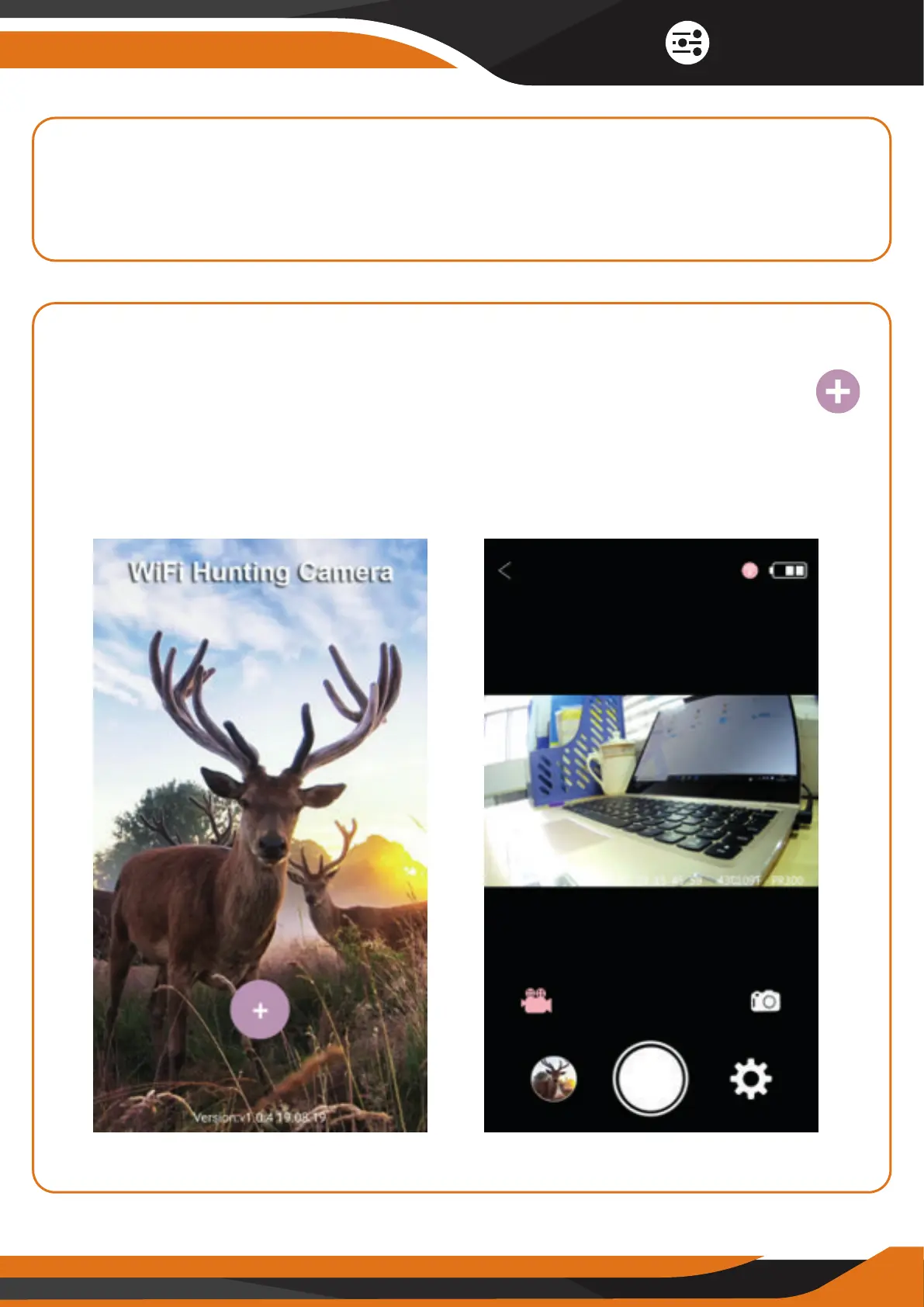
After your phone is connected to the camera’s Wi-Fi network, open the
“Wifi Hunting Camera” APP on your phone and click on the PLUS sign “ ”
to access the camera. Now, you should be able to see on your phone the
real-time content of what the camera is capturing. The camera’s red light will
now turn o.
11
Quick Start


 To Next Page