7
Quick Start
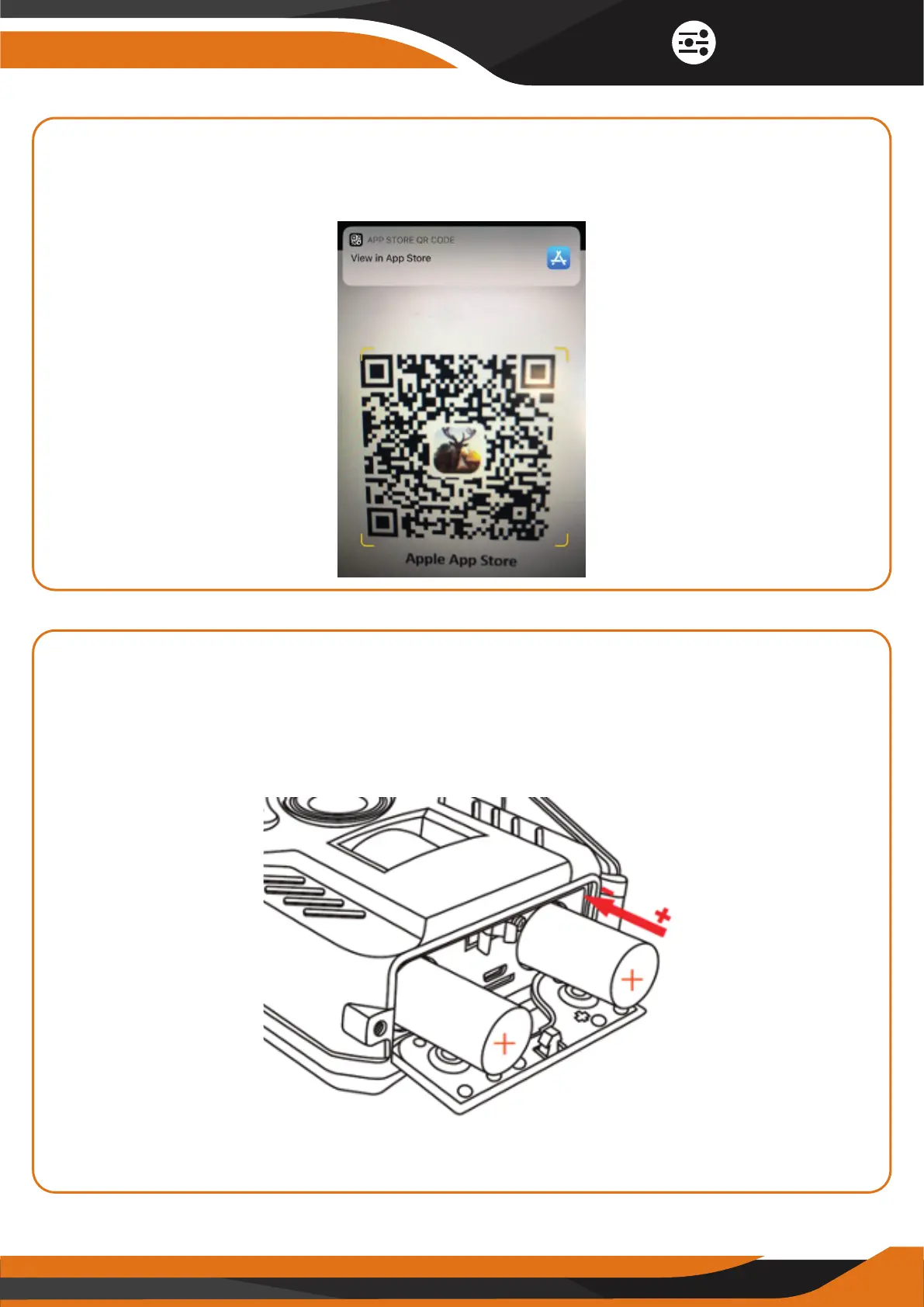
After you scan the QR code using the phone camera or a QR code scanning
app -> CLICK on the “View in App Store” text that pops up on your phone
screen (the screenshot is just an example for the Apple App Store):
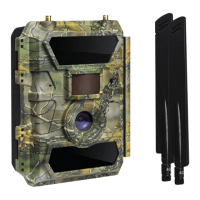
2. INSERT THE TWO RECHARGEABLE 18650 BATTERIES WITH THE
CORRECT POLARITY.
Both batteries must go in with the MINUS (-) sign DOWN (the negative or
"flat" end against the long spring of each battery slot) and the PLUS (+)
sign UP.
Note: Please remove batteries when item is not in use for extended periods of
time. It extends battery life and prevents possible battery leakage or corrosion.


 To Next Page