Press the Menu/Select button to display the main menu.1.
Select Settings Orientation.2.
Scroll to the orientation you want and press the Menu/Select button.3.
Setting Display Contrast
Press the Menu/Select button to display the main menu.1.
Select Settings Contrast.2.
Scroll to the contrast level you want and press the Menu/Select button.3.
Setting Display Timer
You can set the duration that the display stays on before the screensaver settings apply.
Press the Menu/Select button to display the main menu.1.
Select Settings Display Timer.2.
Scroll to the duration you want and press the Menu/Select button.3.
Setting Menu Language
Press the Menu/Select button to display the main menu.1.
Select Settings Language.2.
Scroll to the language you want and press the Menu/Select button.3.
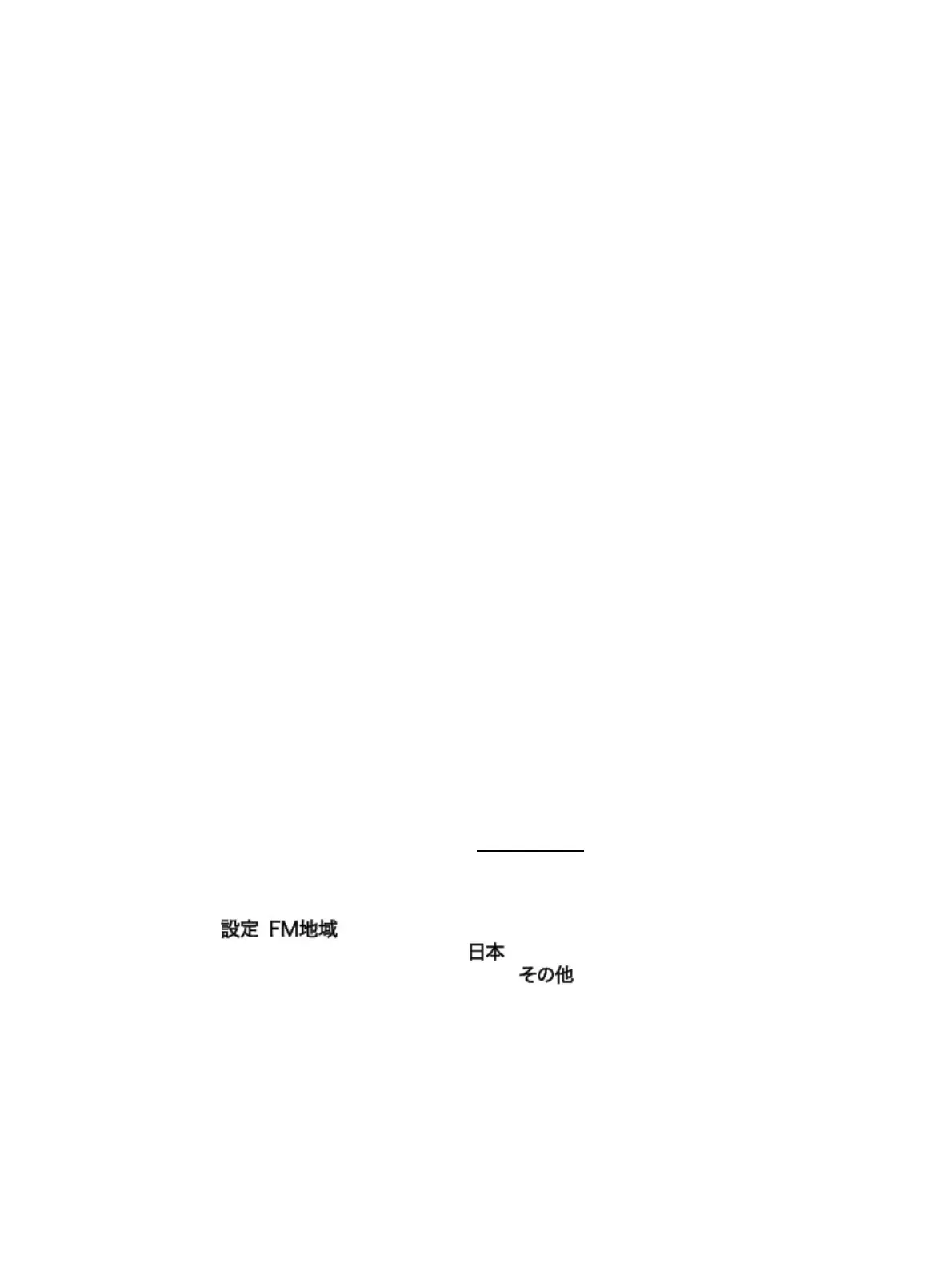
Setting Region for FM Radio
(This section is only applicable when your player's menu language is set to "Japanese".)
Press the Menu/Select button to display the main menu.1.
Select .
2.
To set the FM region to "Japan", scroll to
To set the FM region to "International", scroll to .
3.
Press the Menu/Select button.4.
Configuring the My Shortcut Button
Press the Menu/Select button to display the main menu.1.
Select Settings My Shortcut.2.
Creative ZEN Stone Plus User's Guide
Setting Display Orientation 18



 To Next Page