STEP 2:
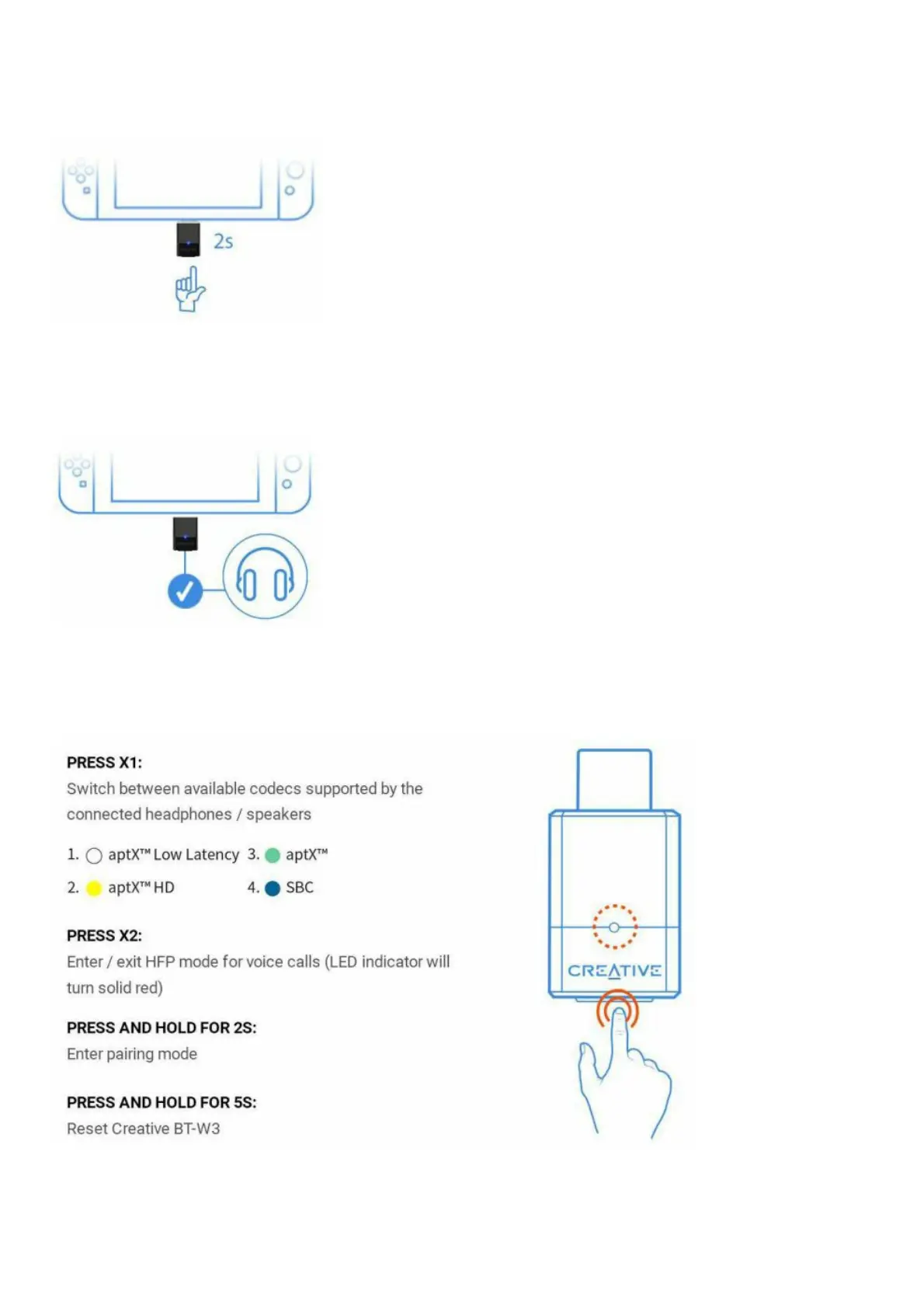
Press the Bluetooth button for 2 seconds until the indicator light flashes blue (fast) to indicate pairing mode.
Go into Bluetooth pairing mode on your headphones / speakers as well
STEP 3:
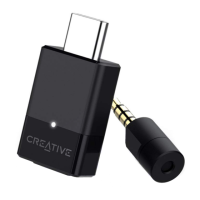
Wait for your headphones/ speakers to connect with Creative BT-W3
Once connected, the LED light on Creative BT-W3 will turn solid white, yellow, green, or blue, depending on the
available codecs on your headphones/ speakers1
Your headphones or speakers need to support the codec in order for you to use it with Creative BT-W3
CONTROLS
VOICE CALLS
aptX LL, aptX HD, aptX, and SBC are all operating on A2DP Bluetooth profile and do not support voiceback. You’ll
need to switch to HFP mode or use the bundled analog microphone for voice calls


 To Next Page