Contents [ hide
1 PAIRING CREATIVE BT-W3 IN 3 EASY
STEPS
2 CONTROLS
3 VOICE CALLS
4 SETTING UP THE ANALOG MICROPHONE
5 MORE QUESTIONS?
6 File Downloads
7 Related Manuals
PAIRING CREATIVE BT-W3 IN 3 EASY STEPS
STEP 1:
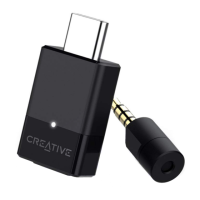
Plug the Creative BT-W3 into an available USB-C port on your device
For devices with USB-A port, connect the included USB-C to USB-A converter before plugging in
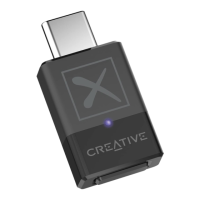
Once the Creative BT-W3 is plugged in, the LED light will blink blue (slow), indicating that it is in standby mode


 To Next Page