
 Need help?
Do you have a question about the Creative D100 and is the answer not in the manual?
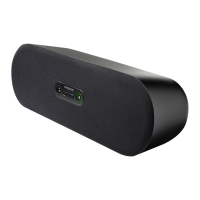
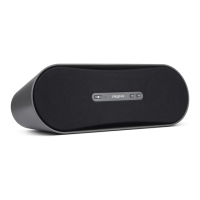
Details the physical parts of the D100 speaker including buttons and ports.
Explains the meaning of the LED light indicators on the speaker.
Step-by-step guide to connect your Bluetooth-enabled device to the speaker.
Instructions on how to play audio content from a paired Bluetooth device.
Guidance on managing connections when multiple devices are paired.
Procedure to restore the speaker to its original factory settings.
Answers to common user queries and basic troubleshooting tips.
Important safety precautions for operating the device.
Information regarding FCC compliance and interference.
Disclosure regarding chemicals in the product.







 To Next Page
 General