1-2Decoder Amplifier and Remote Control Functions
Turning On Your
Decoder Amplifier
The red Standby LED (next to the POWER button) lights up when the power adapter is connected to a
power outlet or when the power supply is turned on. Press the Power button to turn on the Decoder
Amplifier. The default mode is Optical. Future settings are retained as long as the decoder is connected to
the power supply.
Decoder Amplifier
and Remote Control
Key Functions
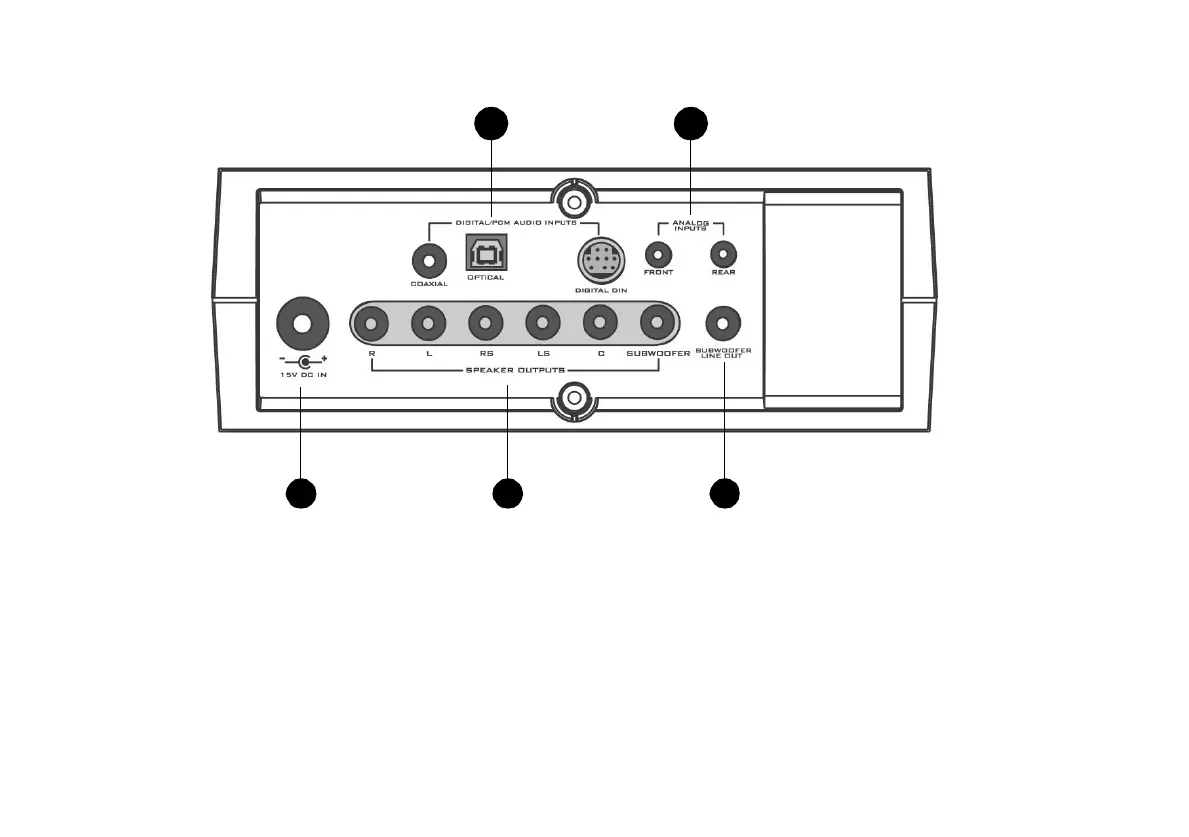
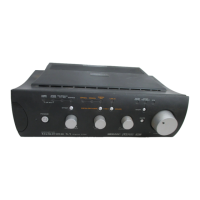
Figure 1-1 on page 1 and Figure 1-2 on page 2 show the location of the various knobs, buttons and sockets
on your Decoder Amplifier and Remote Control.
Figure 1-2: Decoder Amplifier Rear Panel View
15
1
7
16
1
3
1
4
En_Inspire5700-lic.book Page 2 Tuesday, September 18, 2001 8:33 AM





 To Next Page