Contents
Introduction
Using Your Creative Inspire GD580 . . . . . . . . . . . . . . . . i
1 Decoder and Remote Control Functions
Turning On Your Decoder . . . . . . . . . . . . . . . . . . . . . . 1-2
Decoder and Remote Control Key Functions . . . . . . . 1-2
Important Playback Level Warning! . . . . . . . . . . . . . . 1-5
2 Connecting Devices and Selecting Input
Sources
Set-top Device User’s Chart . . . . . . . . . . . . . . . . . . 2-1
3 Verifying Decoder Signal Indicators
Program Material and Signal Detection Chart . . . . 3-1
4 Selecting Mode and Controlling Speaker
Output
Controlling Speaker Output . . . . . . . . . . . . . . . . . . 4-4
A Audio Technology Reference
Dolby Digital . . . . . . . . . . . . . . . . . . . . . . . . . . . . . . . . . A-1
Dolby Pro Logic II . . . . . . . . . . . . . . . . . . . . . . . . . . . .A-1
DTS Digital Surround . . . . . . . . . . . . . . . . . . . . . . . . . . A-1
B General Specifications
Creative Inspire GD580 . . . . . . . . . . . . . . . . . . . . . . . . B-1
English.book Page 5 Friday, August 1, 2003 12:04 PM


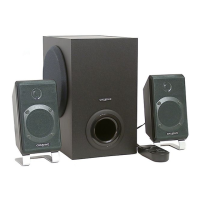
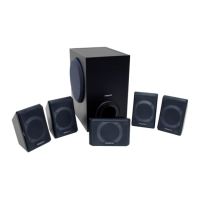
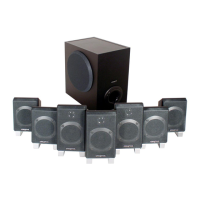
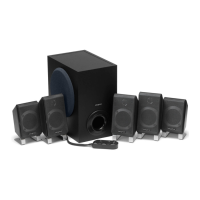



 To Next Page