8
What to do if your player was disconnected improperly
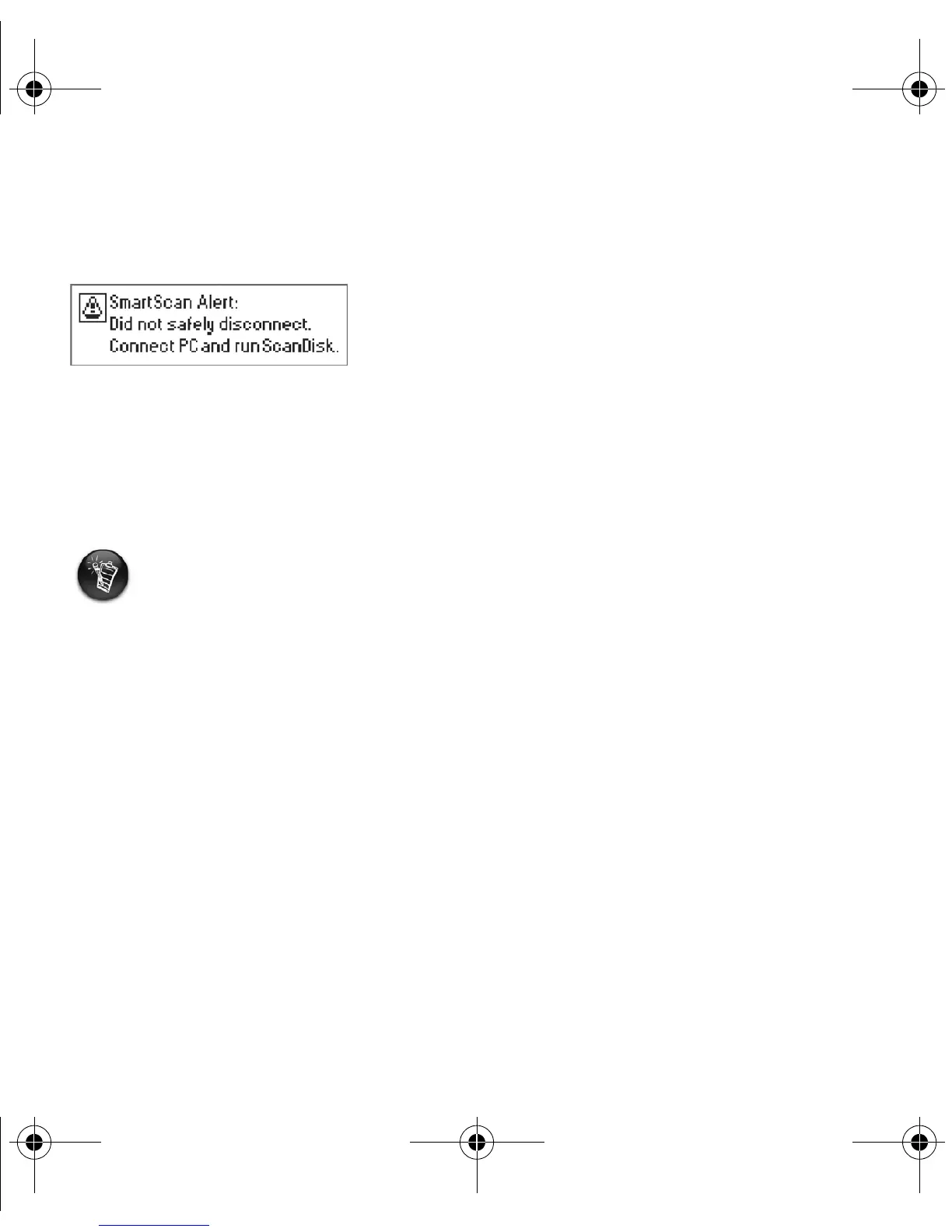
If your player was disconnected improperly, one of two possible error messages may appear on
your player's screen:
In this case, to recover files on your player, do the following:
1. Reconnect your player to your computer
2. In Windows Explorer, right-click the Removable Disk icon and select the Properties
option.
3. Click the Tools tab, and then click the Check Now button. A dialog box appears.
4. Be sure that the Automatically fix file system errors option is selected. All other
options should not be selected.
5. Click the Start button.
When error checking is complete, safely unplug your player from your computer. See
“Disconnecting your player properly” on page 7.
Scenario A
In Windows XP, you will see an icon with the name of your player, instead of a Removable
Disk icon.
New_English_Omicron_13pg.fm Page 8 Tuesday, March 23, 2004 6:47 PM














 To Next Page