10
What to do if your player stops functioning normally
Your player may stop functioning normally if any or all of the following occurs:
• Your computer stops responding during file transfers.
• There is a power outage during file transfers.
• Your player was unplugged, or files were being deleted during file transfers.
When this happens, you can try to recover your player using the unique Recovery Mode:
1. Press and hold until your player turns off. If you are unable to turn off your player,
proceed to the next step.
2. Disconnect all cables from your player and remove the player's battery.
3. Re-insert the battery and turn your player on to see if it starts functioning normally. If it
does not, remove the battery again and proceed to the next step.
4. Press and hold MENU. While holding down MENU, re-insert the battery, or connect your
player to a power outlet using the supplied power adapter.
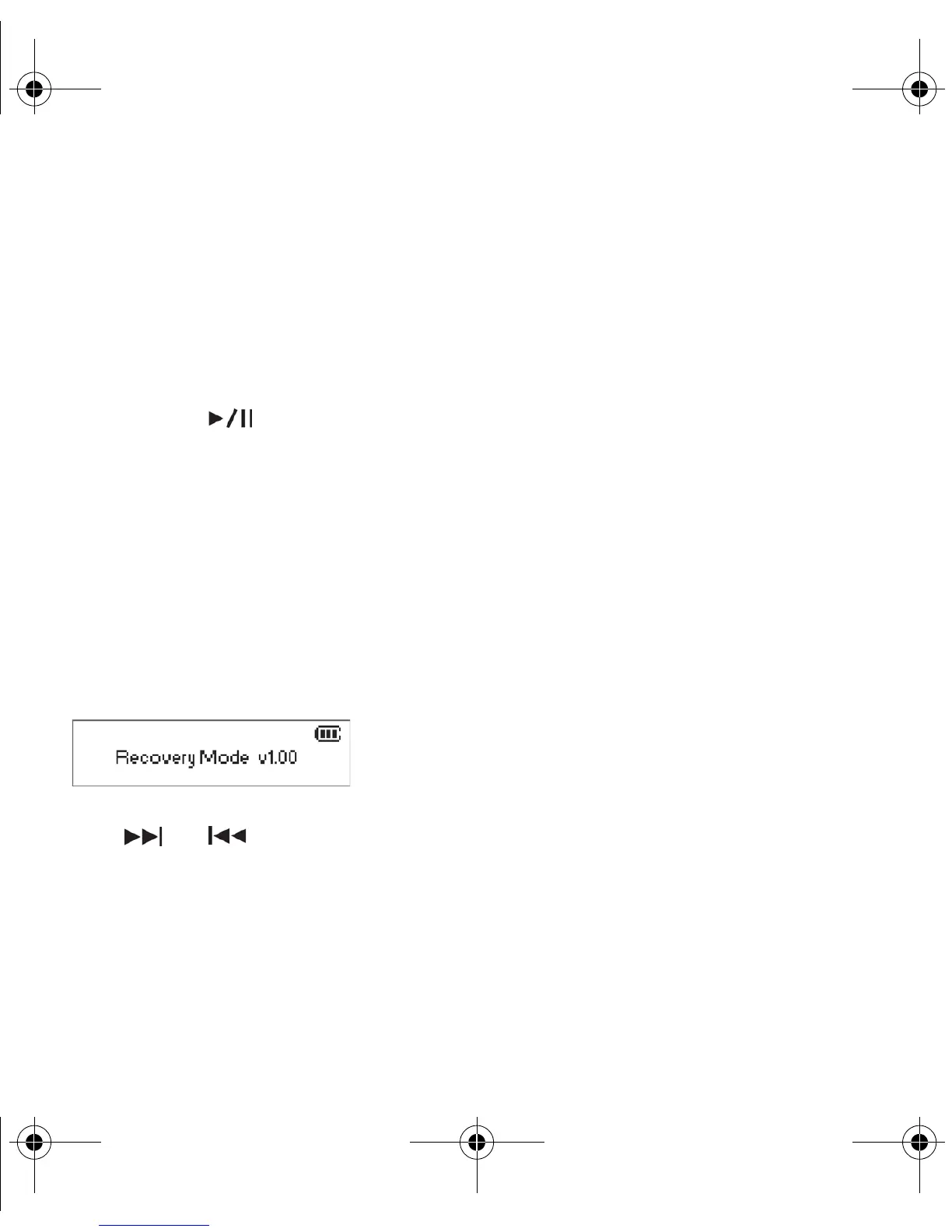
5. Release MENU when the Recovery Mode screen appears as shown. If the Recovery
Mode message does not appear, repeat steps 2 and 3.
6. Press and to browse and select the recovery actions.
New_English_Omicron_13pg.fm Page 10 Tuesday, March 23, 2004 6:47 PM














 To Next Page