11
Some Basic Functions
Playing a song
1. Press MENU.
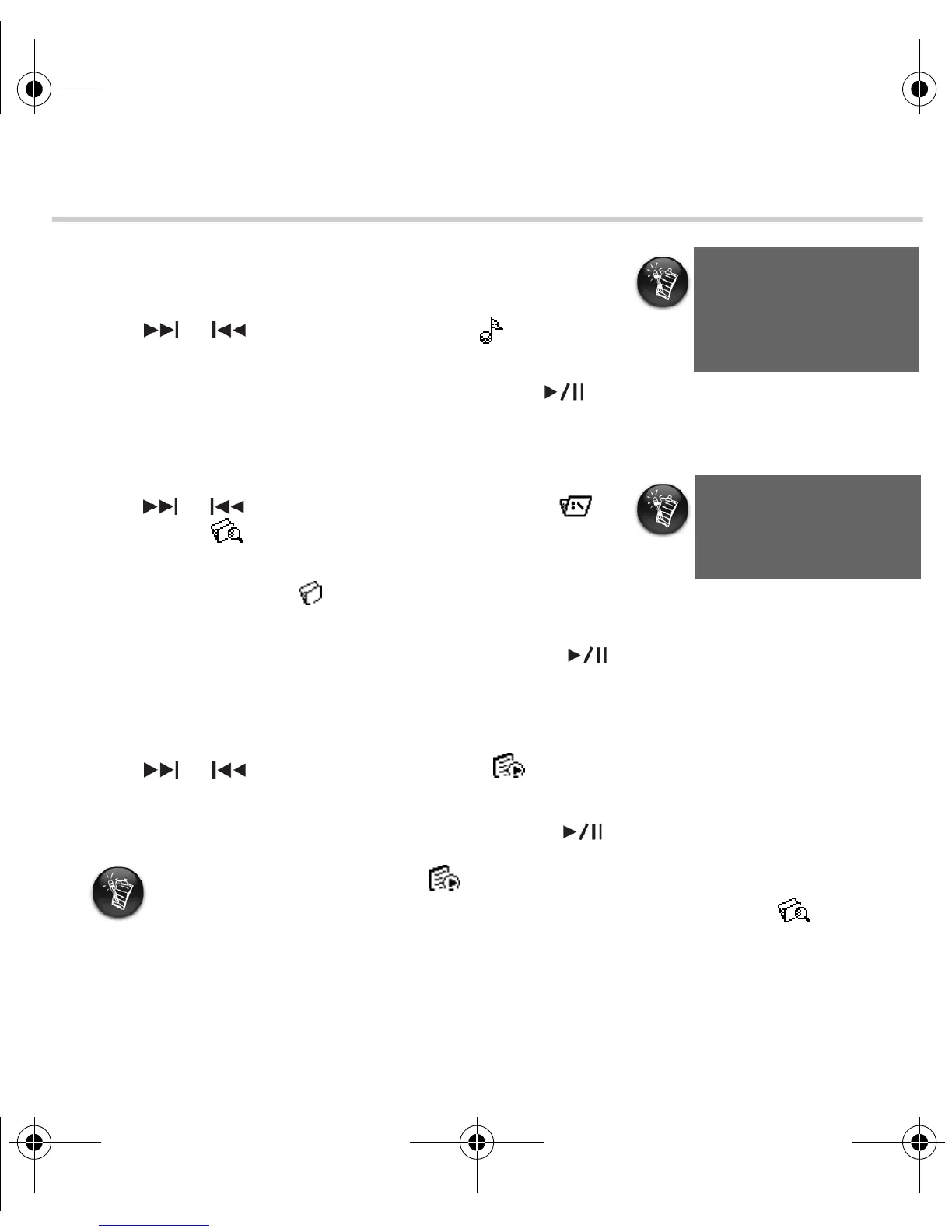
2. Press or to browse to the Music option.
3. Press MENU to select this option.
4. Browse to a song that you want to play and press .
Playing an album
1. Press MENU.
2. Press or to browse to the Folder (Root)
or Browser option.
3. Press MENU to select this option.
4. Browse to the Folder option, and press MENU to
browse for tracks organized according to folder names.
5. Browse to an album that you want to play and press .
Playing a playlist
1. Press MENU.
2. Press or to browse to the Playlist option.
3. Press MENU to browse for tracks organized according to file names.
4. Browse to a playlist that you want to play and press .
Your player displays Title
ID3 tag information. When
your player’s firmware.
If you cannot locate the Playlist option in the main menu, it may be located in
the Browser menu. To access the Browser menu, browse to the Browser
option and press MENU.
New_English_Omicron_13pg.fm Page 11 Tuesday, March 23, 2004 6:47 PM














 To Next Page