Getting Started 4-2
1. Press the Music button on your Prodikeys PC-MIDI keyboard, or go to
Start → Programs → Creative → Creative Prodikeys PC-MIDI.
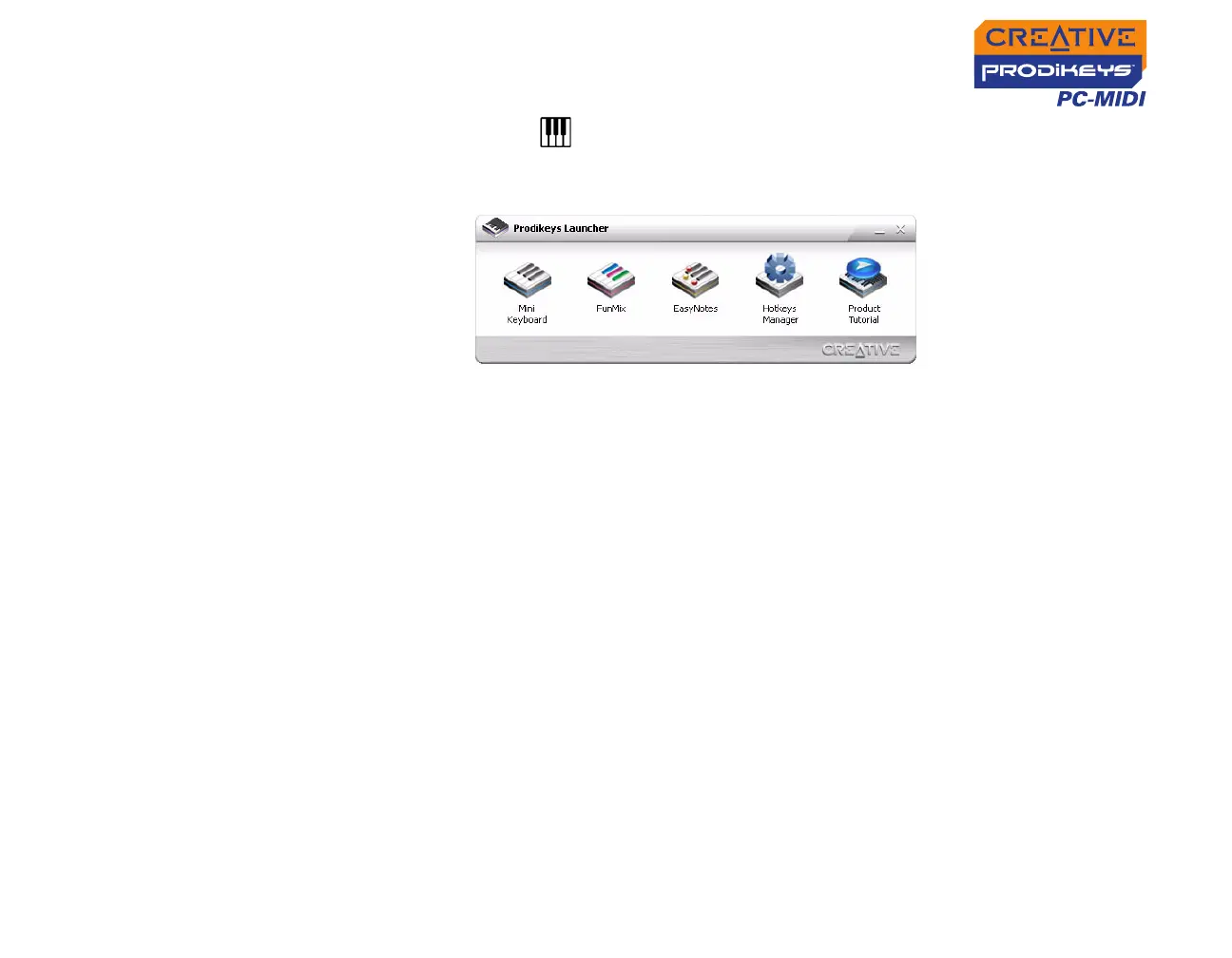
Prodikeys Launcher appears.
2. Select a program to launch. Double-click an application icon. Refer to the
following sections to find out what each application does.
Product
Tutorial
The Product Tutorial is an interactive demo to show you what you can do with your
Prodikeys PC-MIDI keyboard and the included applications.
Figure 4-2: Prodikeys Launcher



 To Next Page