EasyManua.ls Logo

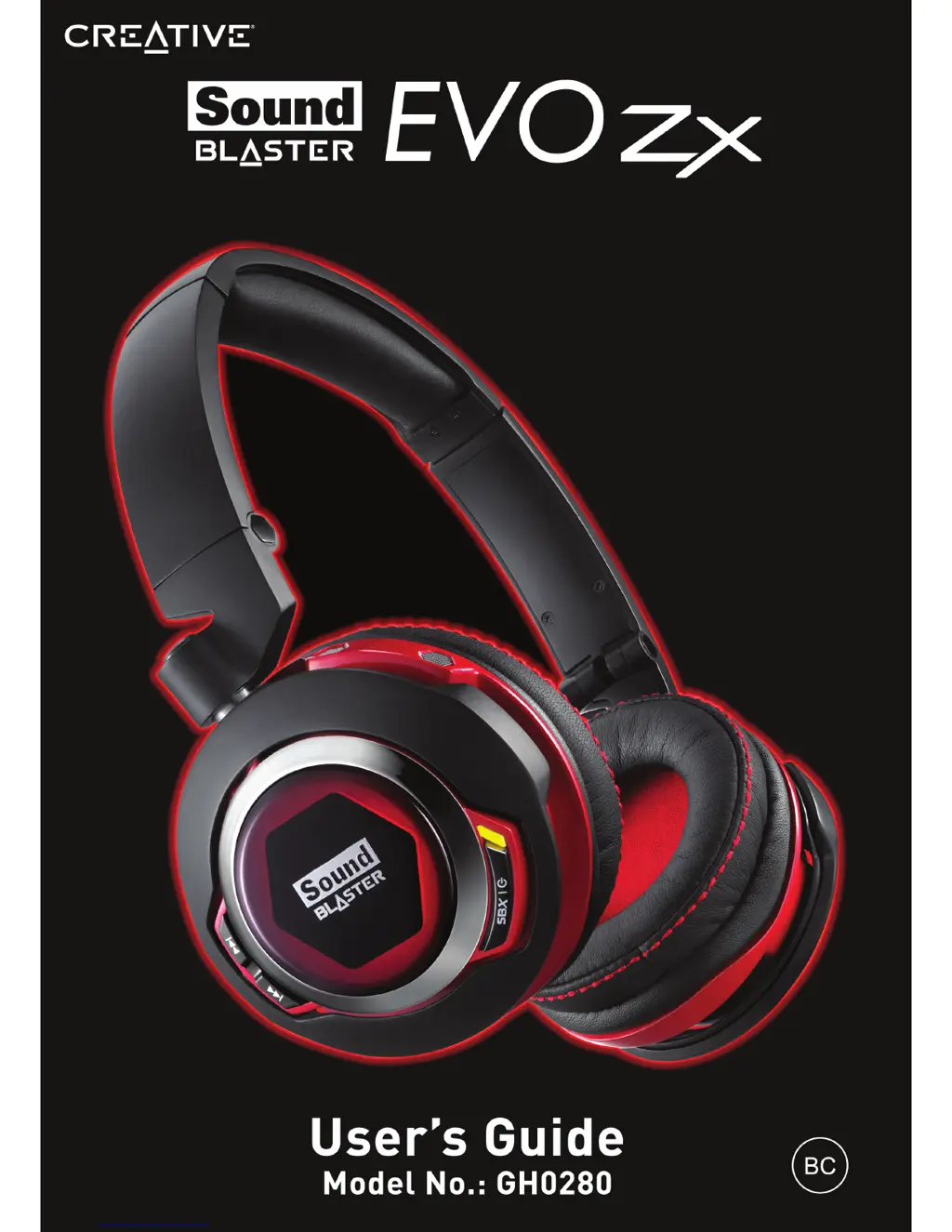
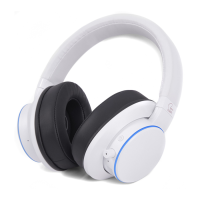
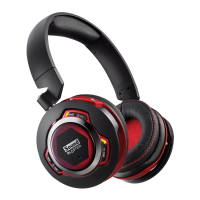
Creative Sound Blaster EVO Zx - User Manual

Creative Sound Blaster EVO Zx
50 pages
Print Icon
To Next Page IconTo Next Page
Loading...

Other manuals for Creative Sound Blaster EVO Zx

Questions and Answers

  • S
    Sara NolanJul 26, 2025
    Why is music not being transmitted to my Creative Sound Blaster EVO Zx Headphone?
    • P
      Patricia RobinsonJul 27, 2025
      To resolve music transmission issues with your Creative Headphone, verify that both your Bluetooth device and headset are powered on and properly paired. For Android devices, access the Bluetooth settings, select your headset, and ensure both 'Call audio' and 'Media audio' are enabled. Also, confirm that the headset is set as the default Bluetooth output device on your mobile phone or tablet.
  • D
    Derek WhiteAug 1, 2025
    What to do if electronic interferences occur with my Creative Sound Blaster EVO Zx?
    • S
      Sara CraigAug 1, 2025
      To address electronic interference with your Creative Headphone, configure your wireless LAN router's channel to Auto, 1, or 11 by consulting your router's documentation. Keep your Bluetooth device away from devices emitting wireless signals, such as wireless routers, and also away from large metal surfaces. Avoid large file transfers over wireless Internet or Bluetooth while listening to music, or refrain from using your headset during these transfers. Try disconnecting existing Bluetooth devices.
  • J
    jake85Aug 8, 2025
    Why is there clipping or distortion during audio playback on my Creative Headphone?
    • L
      Lori AdamsAug 8, 2025
      If you experience clipping or distortion during audio playback with your Creative Headphone, ensure your computer system is running in high-performance mode and disable any power-saving features. Check that the music source itself isn't distorted. Additionally, disable any software graphical equalizers or sound processing effects in third-party media players.
  • S
    Stephen BennettAug 13, 2025
    What to do if I have problem with NFC pairing on Creative Headphone?
    • W
      Willie FranklinAug 13, 2025
      If you are experiencing issues with NFC pairing on your Creative Headphone, first, check that your mobile device supports NFC. Then, ensure that the NFC feature is enabled on your device. Verify that your Android OS is updated to the latest version, as older versions may not pair correctly. Finally, check if the headset already has two devices connected; if so, power off one of them.
  • M
    mooremarkAug 19, 2025
    How to fix no sound from Creative Headphone?
    • V
      Victor OsborneAug 19, 2025
      If you are not getting any sound from your Creative Headphone, ensure the headset and the Bluetooth on your device are turned on, and that the headset has sufficient battery power. Check that the volume settings in the Sound Blaster EVO Control Panel and system audio are properly adjusted and not muted. Also, verify there is no hardware conflict between the headset and any peripheral device, and that the headset is selected as the default audio device, disconnecting any existing analog headset.

Summary

Setting Up Your Headset

Step 1: Charge Your Headset

Instructions for initial charging and understanding headset status indicators.

Step 2: Install Mobile App;Software

Guides on downloading and installing the Sound Blaster Central companion application.

Step 3: Pairing the Headset

Details NFC and manual Bluetooth pairing processes for connecting to devices.

Step 4: Connect to Computer or Mobile Device

Instructions for USB connection to PC/Mac and analog connection to mobile devices.

Using the Headset

Software Features and Enhancements

Specifications and Troubleshooting

Troubleshooting LED Status

Explains the meaning of different LED light patterns for device status indication.

Resolving Audio Issues

Steps to fix common problems like no sound or audio distortion during playback.

Safety and Regulatory Information

General Safety Precautions

Warnings about product handling, temperature limits, liquids, and impact resistance.

Hearing Protection Guidance

Advice on safe volume levels, using headset while driving, and avoiding hearing damage.

Creative Sound Blaster EVO Zx Specifications

General IconGeneral
TypeCircumaural
Driver Size50 mm
Frequency Response20 Hz - 20 kHz
MicrophoneYes
Noise CancellationYes
ConnectivityBluetooth, 3.5mm jack

Related product manuals