2.
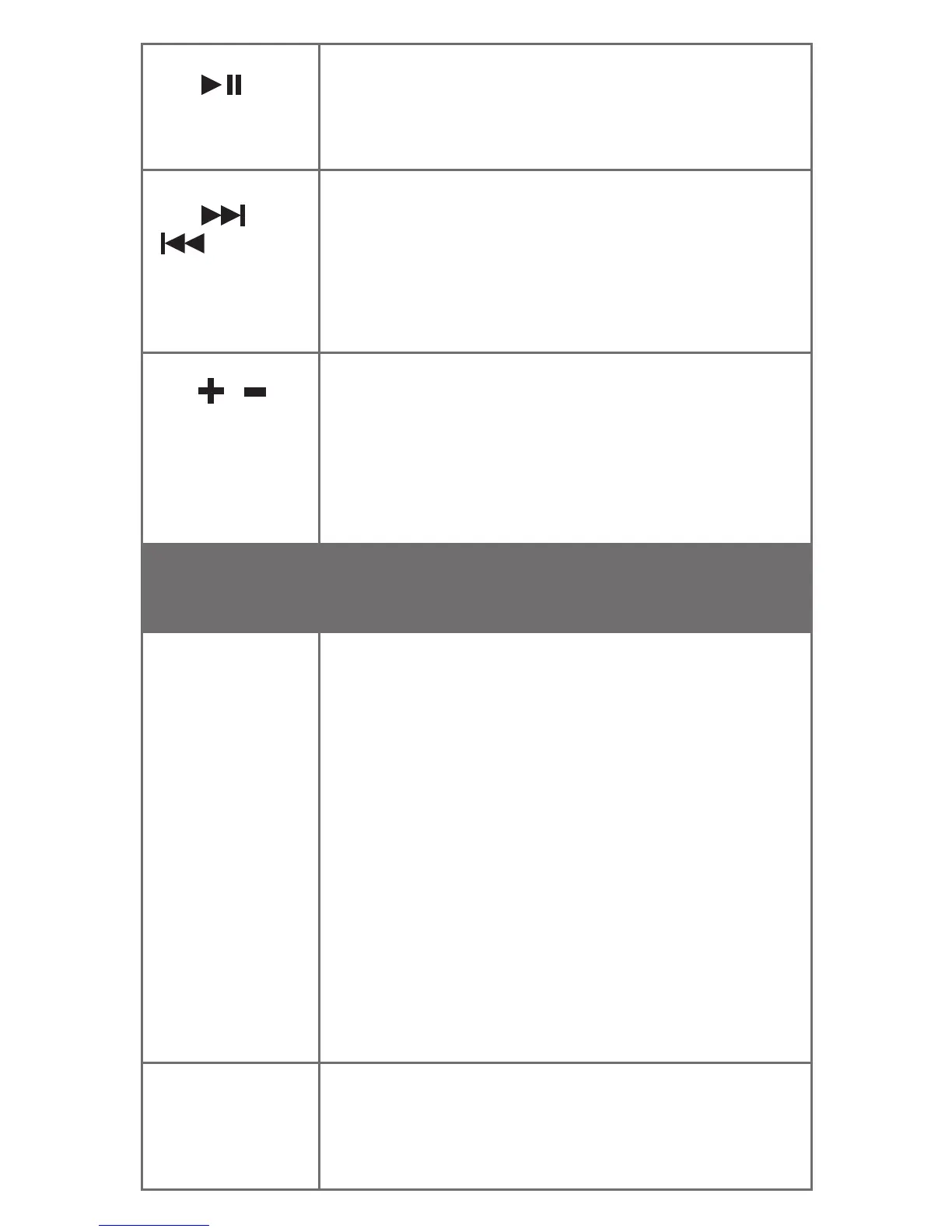
Play /
Pause
Press to play. Press again to pause
playback.
3.
/
Next,
Forward /
Previous,
Backward
Press to change to the next or previous
track. Press and hold to scroll forward or
backward a track (device dependent).
4. /
VolumeUp
/Volume
Down
Press ‘+’ to increase or press ‘-’ to
decreasevolume.Abeeptoneisemitted
at maximum volume level. Press and
releaseboth‘+’and‘-’tomuteorunmute
the microphone during a call.
Light
Indicator
Function
5. Right
earcup light
indicator
Greenandblinksslowly:automatically
searching and attempts to connect to the
last paired device.
Blueandblinksslowly:connectedtoa
paired device.
Blueandblinksrapidly:inpairingmode
and is ready to pair with a new device.
Blueandashestwice:muting
microphone during a call.
Redandblinkstwice:poweringoffthe
headset.
Redandblinksslowly:lowbatterylevel,
charge the headset soonest. This is
accompaniedbyabeeptoneevery2
minutes.
6.Left
earcup light
indicator
Red:chargingheadset.
Green:headsetfullycharged.











 To Next Page