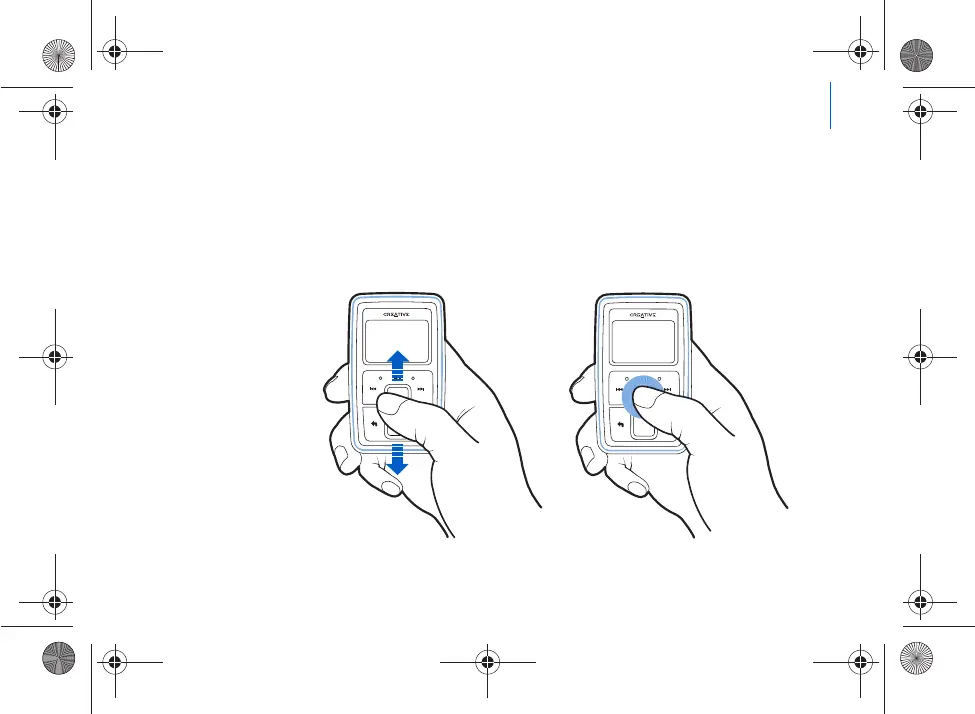
Using the Vertical Touch Pad 9
Using the Vertical Touch Pad
■
Move your thumb up and down the Vertical Touch P
ad to scroll through menu
items.
To rapidly scroll though menu items, hold down the t
op or bottom portion of the
Vertical Touch Pad with your thumb.
To select a menu item, firmly tap the Vertic
al Touch Pad.
Killer_new.fm Page 9 Wednesda
y, January 26, 2005 5:18 PM











 To Next Page