2 Charge the battery
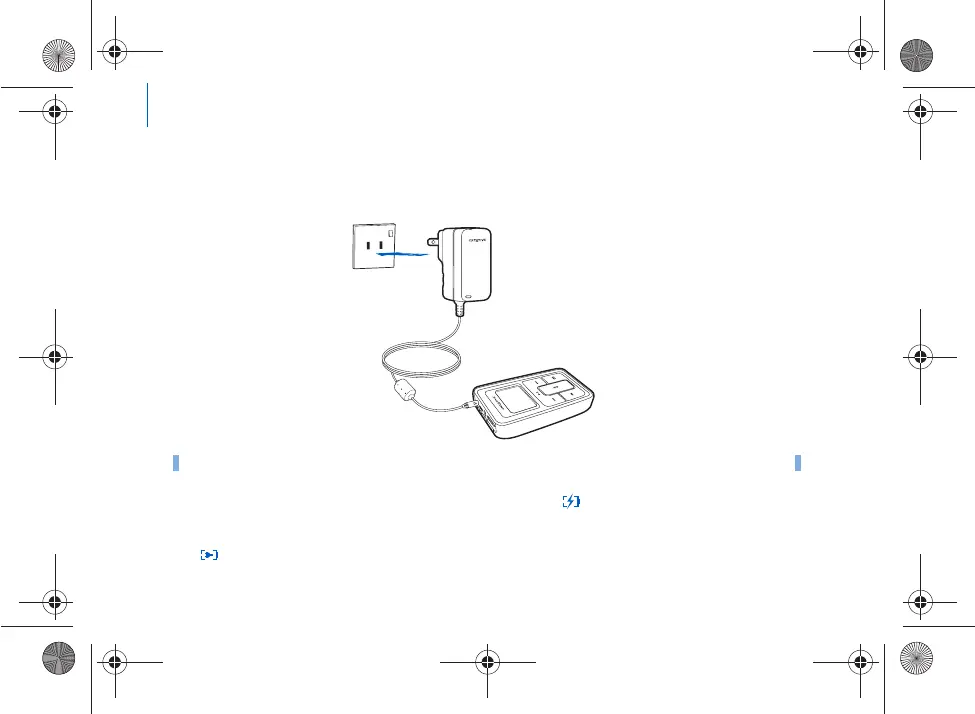
Step 1: Charge the battery
1 Connect the power adapter to your player, an
d then connect the power adapter to a power
outlet. If necessary, turn on the power outlet.
When the battery is charging, the batter
y charging icon flashes on the LCD.
2 Disconnect your player from the power adapte
r when the battery is fully charged and you
see on your player’s LCD. Fully charging your play
er takes approximately three hours.
NOTE
The power outlet shown may differ, depending on the c
ountry you are in.
Killer_new.fm Page 2 Wednesda
y, January 26, 2005 5:18 PM











 To Next Page