Play music 3
Step 2: Play music
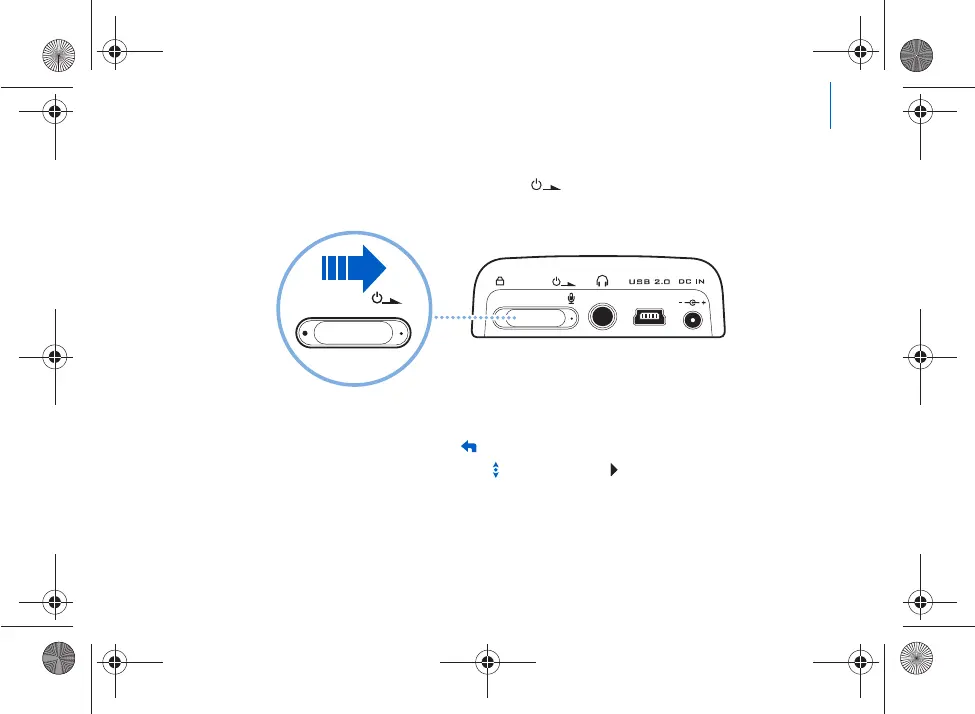
1 Slide the Power switch towards the power icon
and hold it there until the LCD lights
up.
2 When you turn on Zen for the first time, the
menu is in English. To change the language:
i. Press the Menu/Back button. The main menu appear
s.
ii. Use the Vertical Touch Pad to select
System
Language
, and then select the
language that you want. For tips on using the Vertic
al Touch Pad, see “Using the
Vertical Touch Pad” on page 9, or refer to the User’
s Guide on the Installation and
Applications CD.
USB
Killer_new.fm Page 3 Wednesda
y, January 26, 2005 5:18 PM











 To Next Page