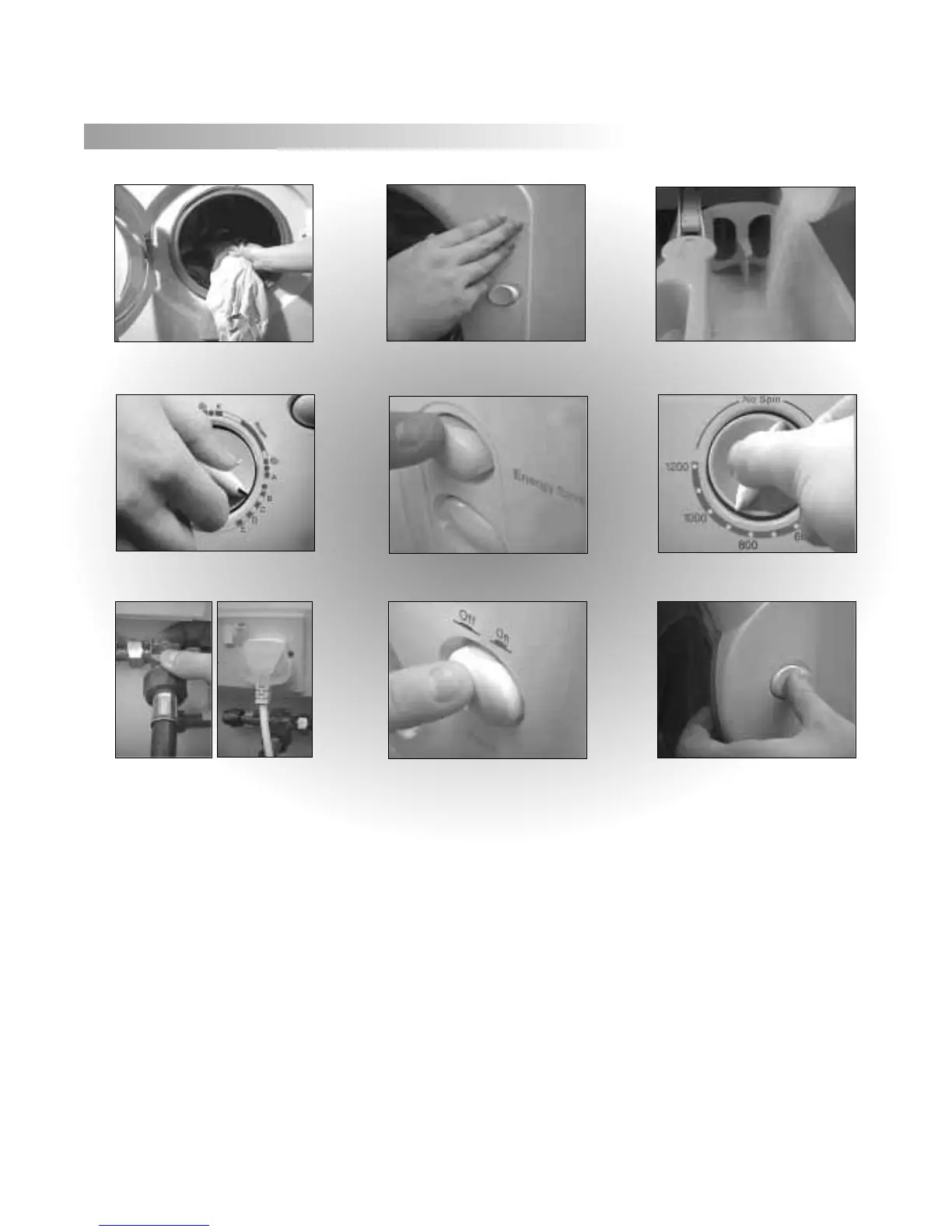
1. Sort laundry into same wash requirements.
4. Select wash programme by turning
the wash dial clockwise.
5. Select optional wash features by pressing
required button.
2. Close door, applying pressure only at
the 2 o’clock position.
7. Check water and electricity are switched
on at mains.
A typical wash programme
6. Select reduced spin (Model W120VW
only), if required, by turning the control
dial.
8. Press the Power button to Start the
programme. After a few seconds the Door
Locked indicator will illuminate.
9. Approximately 1-2 minutes after the pro-
gramme has finished the indicator light will
go out and the door can be opened. Press the
Power button to ‘OFF’.
3. Add detergent/ conditioner
(See manufacturer’s instructions).
We recommend, on completion of your wash programme that you switch ‘Off’ both the the electricity and water supply to the appliance.
Before selecting any programme ensure the mains button is in the ‘off’ position.
6



 To Next Page