
 Need help?
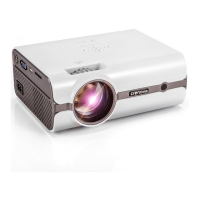
Do you have a question about the Crenova XPE496 and is the answer not in the manual?
Overview of all input and output ports on the projector, identified by number.
Identification and function of buttons located on the projector unit.
Details on the projector lens and rings for focus and keystone adjustment.
Steps to connect power, turn on the projector, and adjust focus/keystone.
Guide to navigating menus for selecting the On-Screen Display language.
Instructions on how to connect external devices using various input sources.
 General
| Lamp Life | 50000 hours |
|---|---|
| Projection Technology | LCD |
| Throw Ratio | 1.4:1 |
| Built-in Speaker | Yes |
| Connectivity | HDMI, USB, VGA, AV |
| Aspect Ratio | 16:9 |
| Keystone Correction | Manual Vertical ±15° |

 To Next Page