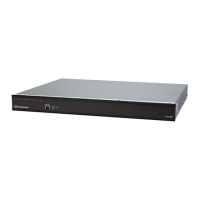
Crestron CNX-PAD8A Professional Audio Distribution Processor
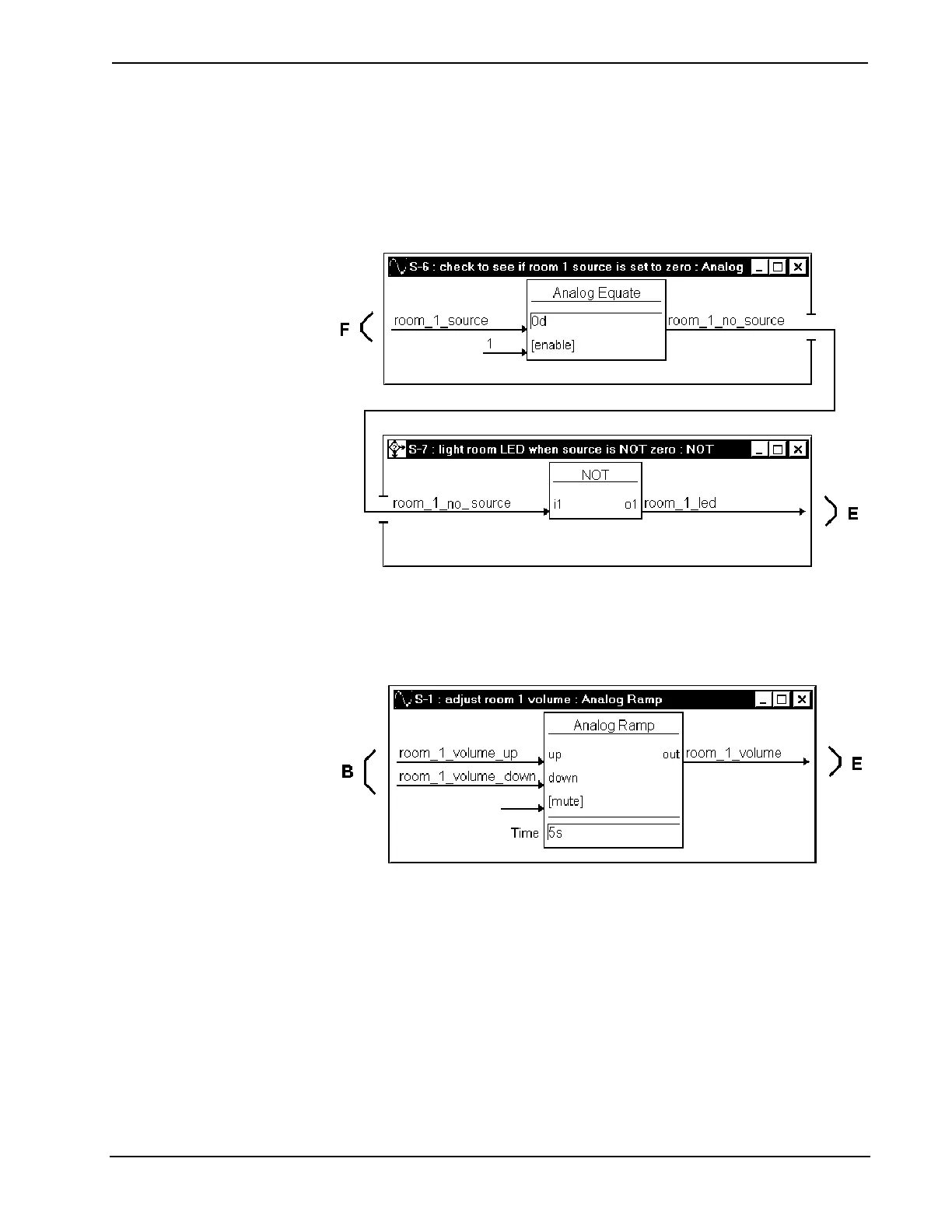
Symbols S-6 and S-7 illuminate the CNX-PAD8 front panel LED for the
corresponding room that is enabled to receive audio. The room audio source
selection signal (F), from the S-2, causes S-6 to signal S-7 that a source is selected
by room 1. NOT symbol S-7 sends the signal to illuminate the front panel LED (E).
Detail View of Analog Equate and NOT Symbols (S-6 and S-7) in SIMPL Windows’
Programming Manager
An analog ramp is used to adjust the room volume. The symbol receives volume_up
and volume_down signals (B) from the touchpanel buttons. The level of the volume
is sent to the CNX-PAD8A (E). The ramp will adjust through the entire range of the
volume (0% to 100%) in 5-seconds.
Detail View of Analog Ramp Symbol (S-1) in SIMPL Windows’ Programming Manager
Operations Guide – DOC. 8174 Professional Audio Distribution Processor: CNX-PAD8A • 17


 To Next Page