Cricket Remote Control Installation
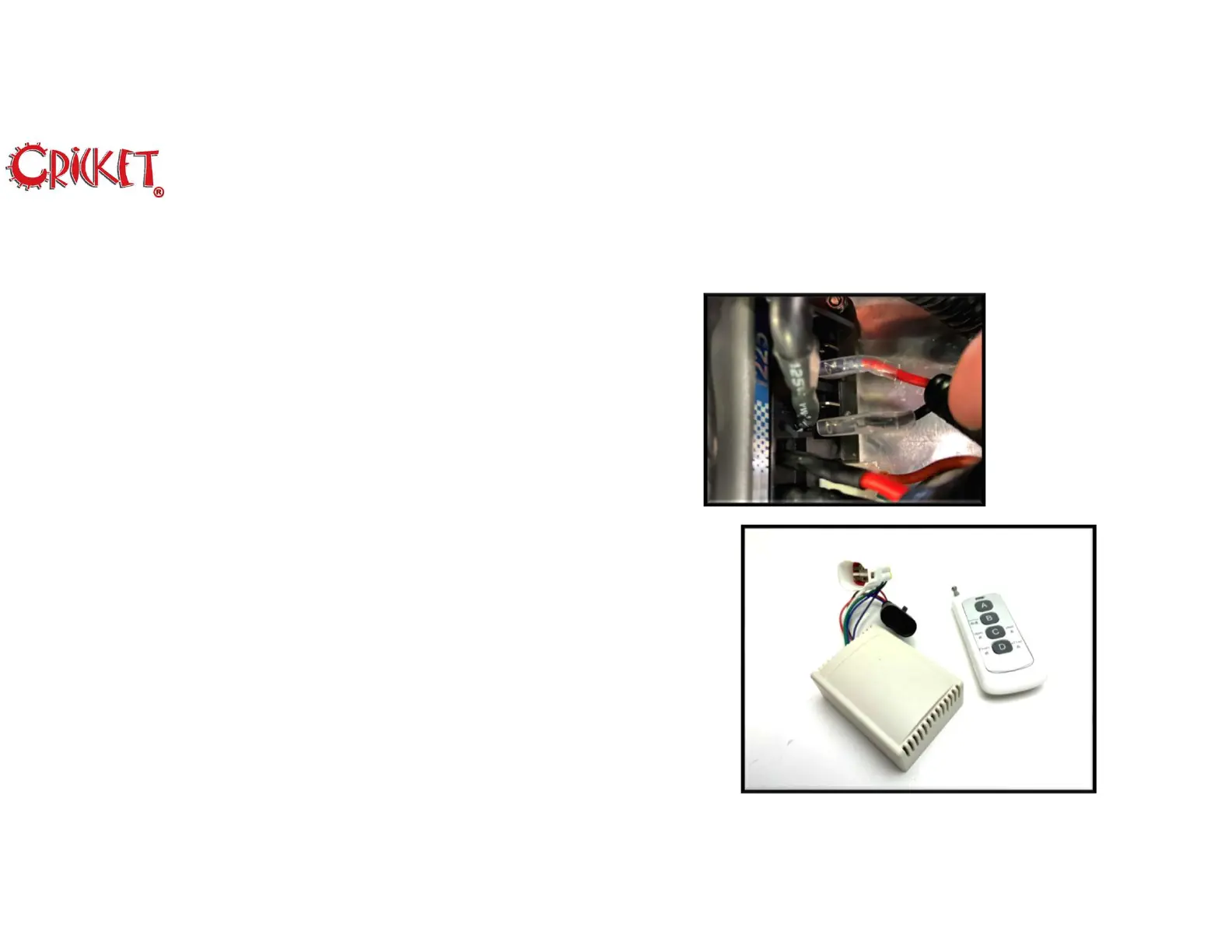
22. Reconnect the Red and Black cables to the Controller.
23. Connect the Remote Control Radio to the connectors on WH1
and WH2. Place the Radio next to the Controller inside the tray.
24. Reconnect the (4) four Motor Power Supply cables to the
controller.
25. Turn the Key to “OFF”, set the direction switch on the dash to
Forward and set the Remote Control Enable Switch to “On”.
26. Press the “C” button on the Remote Control to activate the
Remote Control System. You should see the battery meter light
on the dash come “On”.
27. Press the “B” button on the Remote Control and your cart
should start to slowly move forward.
28. Replace U-Shaped brackets removed in Step 4.
29. Replace the Controller Tray Cover.
9
Rev 01222019 © 2020 Melbourne Cricket


 To Next Page