2
RW90-0001
1
2
INSTALLATION INSTRUCTIONS
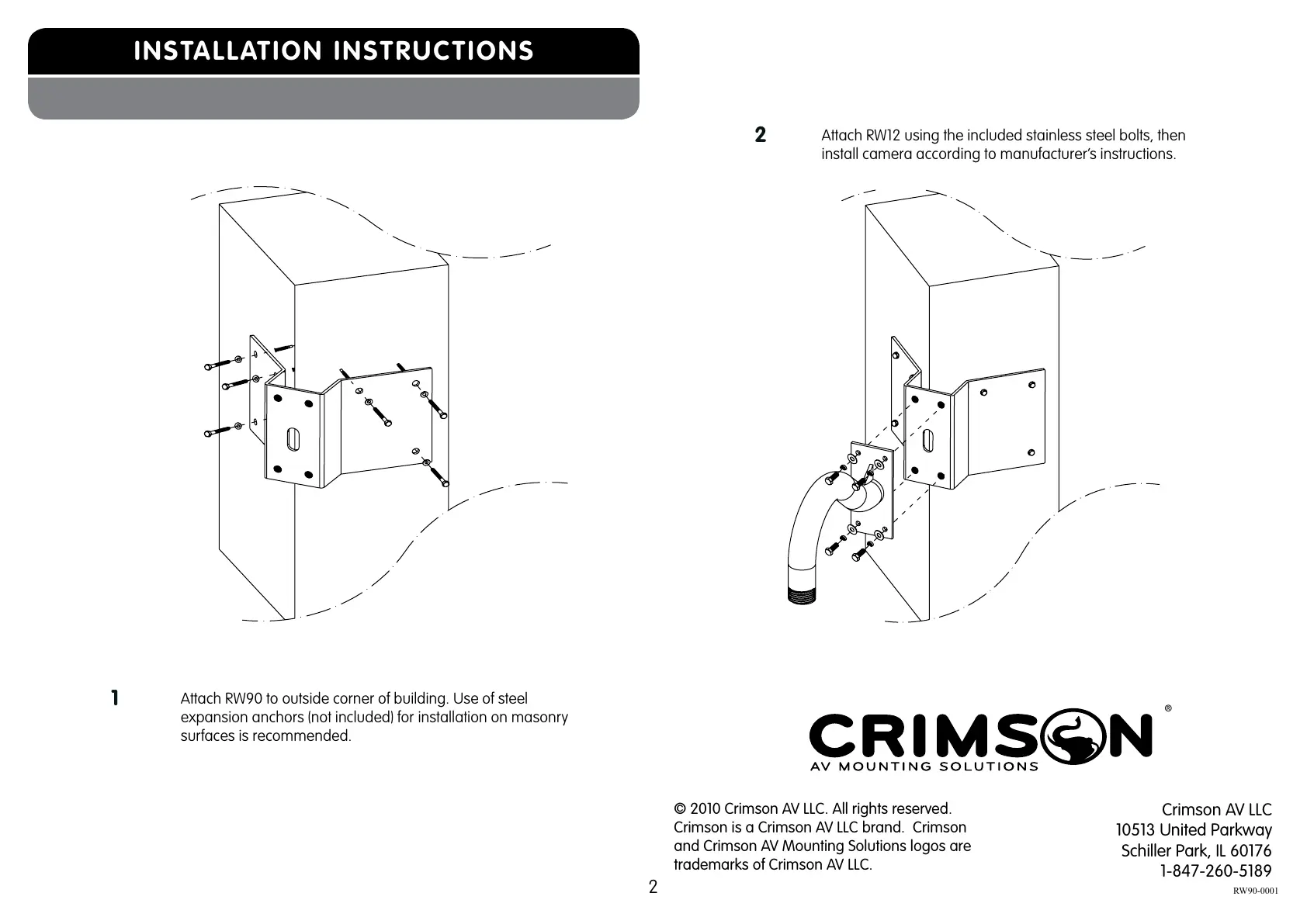
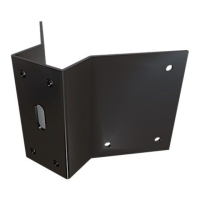
Attach RW90 to outside corner of building. Use of steel
expansion anchors (not included) for installation on masonry
surfaces is recommended.
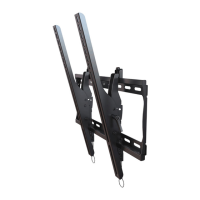
Attach RW12 using the included stainless steel bolts, then
install camera according to manufacturer’s instructions.
© 2010 Crimson AV LLC. All rights reserved.
Crimson is a Crimson AV LLC brand. Crimson
and Crimson AV Mounting Solutions logos are
trademarks of Crimson AV LLC.
Crimson AV LLC
10513 United Parkway
Schiller Park, IL 60176
1-847-260-5189
®
All manuals and user guides at all-guides.com


 To Previous Page