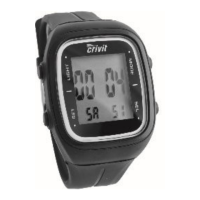
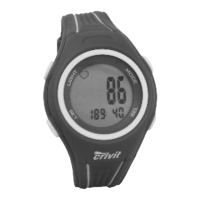
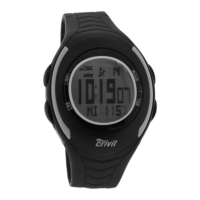
Setup
Remove the protective film from the display and press MODE, SEL or
SET.
Now select English, German, French or Spanish language by pressing
SEL and confirm your setting by pressing SET.
Select the unit KM-KG
METRIC KM - KG KM - KG KM - KG
or Miles/pounds
IMPERIAL M - LB M - LB M - LB
in the same way. Complete the setting procedure by pressing MODE.
The watch can be reset by pressing and holding SET and SEL together.
Only after resetting the watch the other language can be selected.
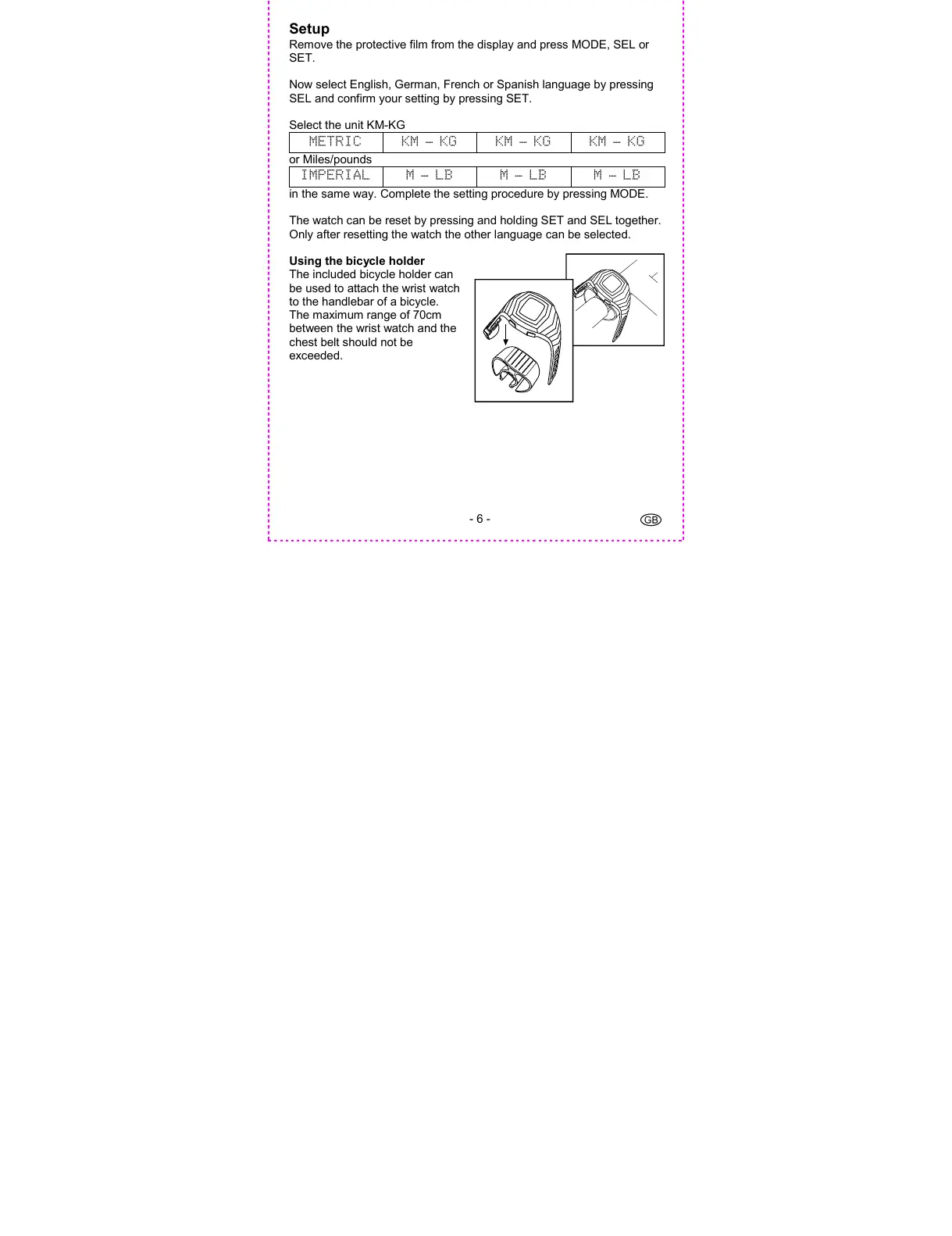
Using the bicycle holder
The included bicycle holder can
be used to attach the wrist watch
to the handlebar of a bicycle.
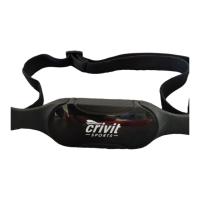
The maximum range of 70cm
between the wrist watch and the
chest belt should not be
exceeded.


 To Next Page