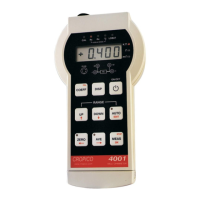
CROPICO LTD – DO7
Issue 7/2001
15
21. SPECIAL OPERATION - CAL RESET
21.1
This part of the procedure is used to pre-set the calibration memory to a default condition. It
will erase all previous calibration data. With Ver 1.X software, this feature can only be used
if a calibration memory failure has been detected. This test is performed at power-up and
failure is indicated by the HELP message.
21.2 Turn the DO7 power ON. Wait for the display test to complete and the HELP message to
appear.
21.3 Insert the calibration key into the panel switch and turn to CAL. The CAL LED on the front
panel should light up.
21.4 Press CLE. The LED should light up for about 1 sec.
21.5 The HELP message should now be replaced by the normal display.
21.6 Turn the panel switch to RUN and remove the key.


 To Next Page