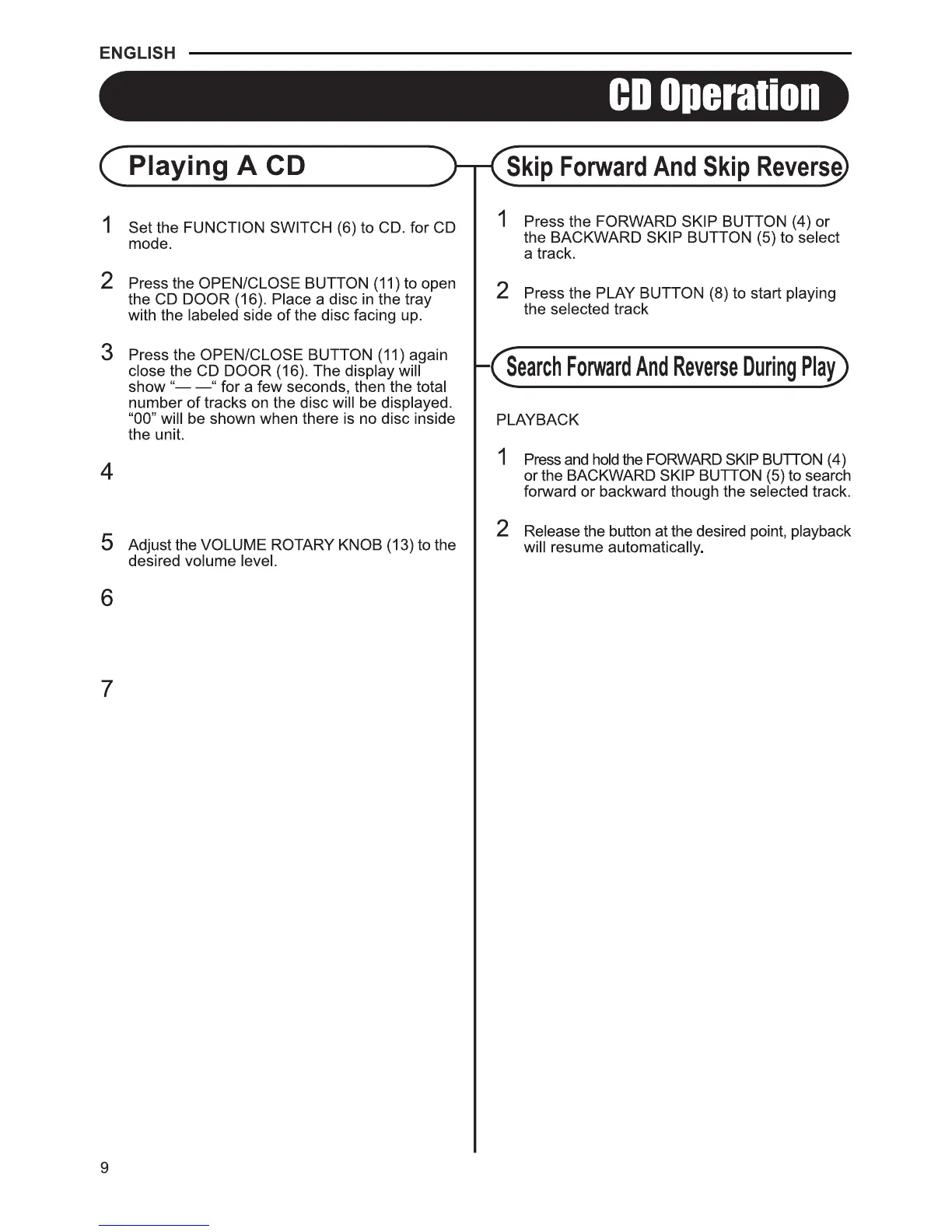
To pause playback, press the PLAY/PAUSE
BUTTON (8).The PLAY/PAUSE INDICATOR (9)
will flash. Press the PLAY/PAUSE BUTTON (8)
again to resume playback.
To stop playback, press the STOP BUTTON (10).
The PLAY/PAUSE INDICATOR (9) will go off.
Press the PLAY/PAUSE BUTTON (8) to start
playback.The PLAY PAUSE INDICATOR
will light up.
/ (9)


 To Next Page
 Loading...